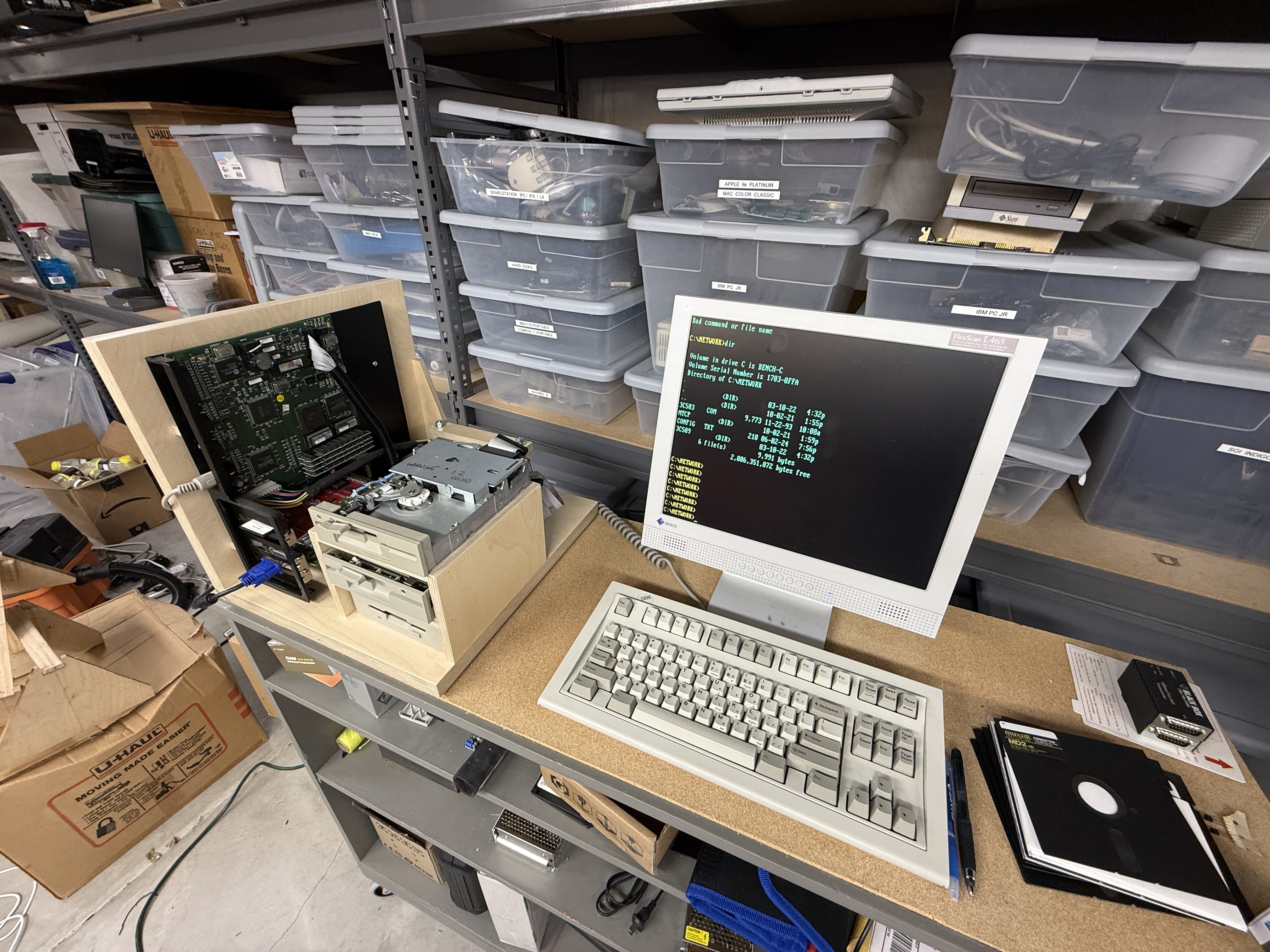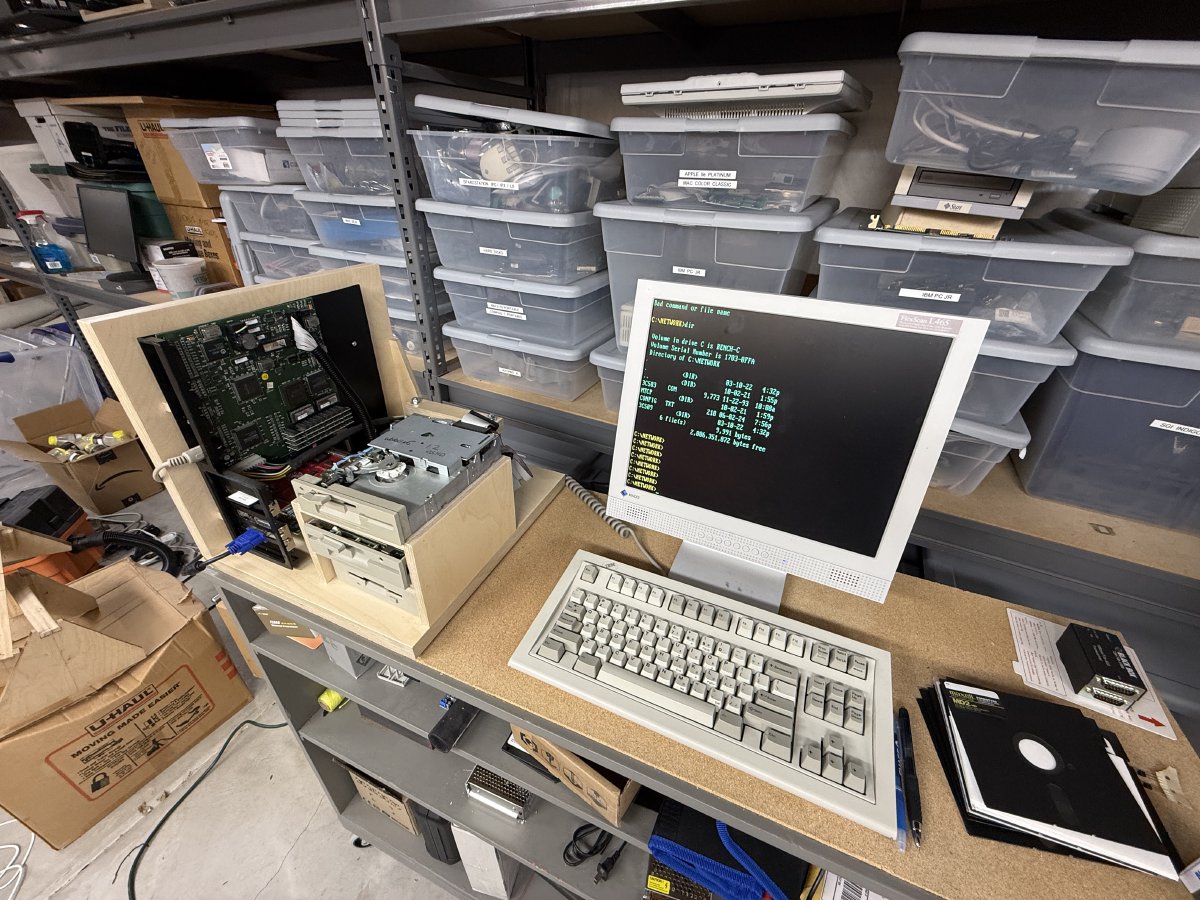
Several of the computers in my collection are very old CP/M machines like the Kaypro and Osborne. I also have a number of early DOS machines. After spending time on YouTube and Brutman’s site, it became clear that in order to copy disk images off old floppies and write images back out to floppies, I needed an intermediate machine for the job. I’ve been calling mine a mule. Others in the community call these “bridge machines” — same idea.
What is a mule?
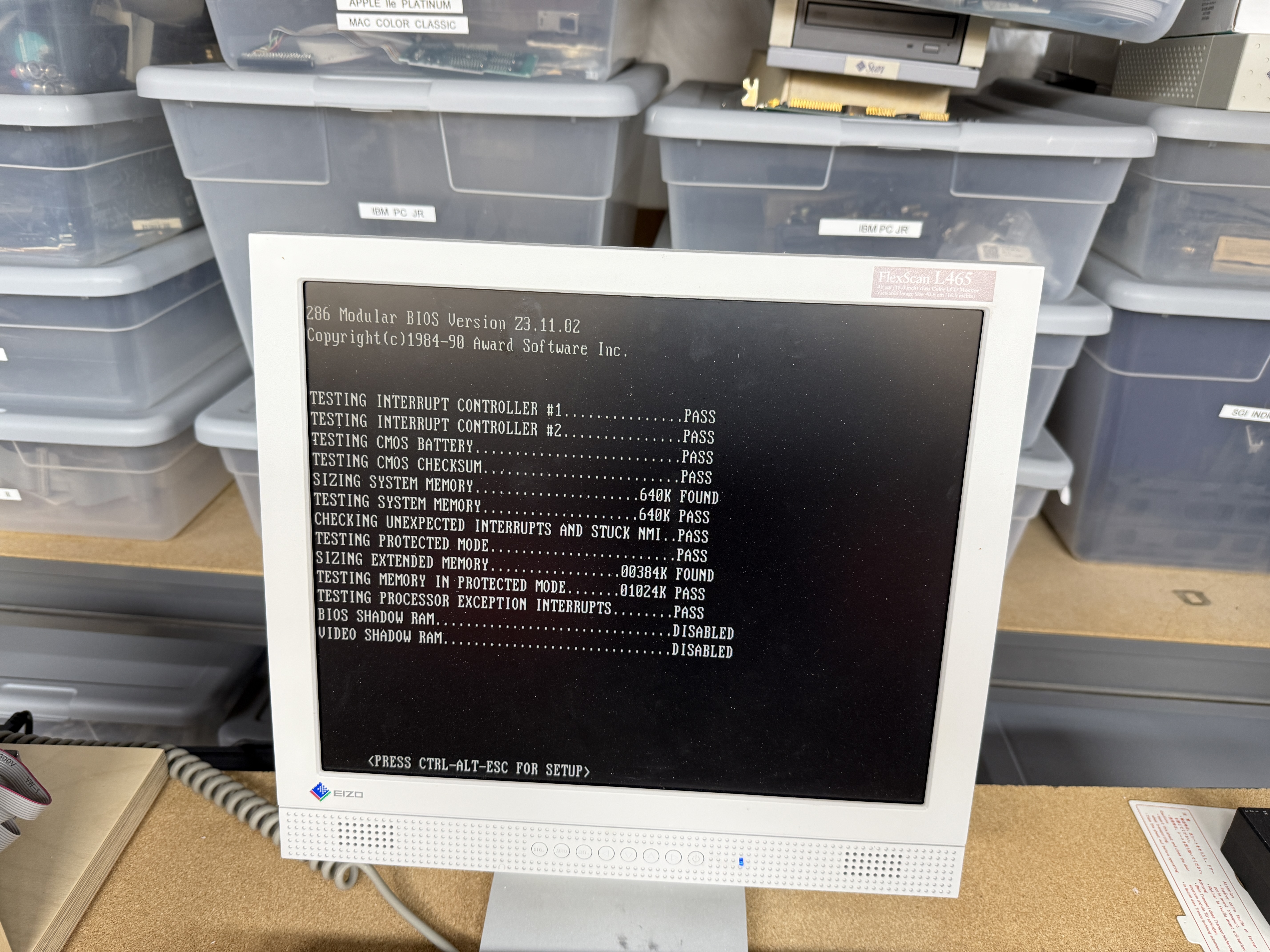
A mule is a machine that spans enough of the timeline that it can drive older ISA floppy controllers capable of writing odd-format disks, while also reading and writing newer-format diskettes with the correct drives. That sweet spot turns out to be a 286 with ISA slots.
Old enough to talk to the disk controller at the register level. New enough to sit on an Ethernet network and move the images off to a NAS.
The key disk controller
The critical part of all this is the floppy disk controller. The mule’s motherboard has an onboard Western Digital FDC that exposes register-level access, which is what you need to create CP/M diskettes for the various platforms — CP/M diskette formats were never standardized. DOS can’t do it through BIOS calls, but the right software talking directly to the controller’s registers can. Many later 286 and 386 boards hide the controller behind higher-level abstractions, so the specific board this mule is built around was worth holding on to.
On the software side, Sydex’s 22DISK is the classic tool for the job. It bypasses the BIOS and hits the FDC directly to handle the hundreds of oddball CP/M formats out there.
DOS 5 was a good choice
I went with DOS 5 because it also fits the niche. Extended and expanded memory were not really a concern — this is a DOS machine and it is going to stay one. All the software I needed for these rather exotic tasks exists for this class of machine, and DOS 5 hits a nice balance of familiarity and compatibility with the era of software I care about.Networking
Not strictly required, but I wanted networking. Networking under DOS is wacky, but doable. It relies on terminate-and-stay-resident code called packet drivers that handle network packets via interrupts, talking to specially built utilities that have a TCP/IP stack compiled directly into each executable. DOS was not really an OS so much as a library of code in memory that apps would link against at runtime — so the TCP stack has to live inside the app.
The card in the mule is a 3Com 3C503, an 8-bit ISA EtherLink II. It has worked reliably and still has plenty of DOS packet driver support available. For the TCP/IP stack I use mTCP, the same toolchain I use on the IBM 5155, the NCR, and both Compaqs.
See DOS networking with mTCP for the packet driver and mTCP setup I use across all the DOS machines.
Speed
A 286 running DOS plus a utility or two and some lightweight networking is seriously fast. You can see why, when Windows rolled around, it felt like a giant step backwards in performance.Drives
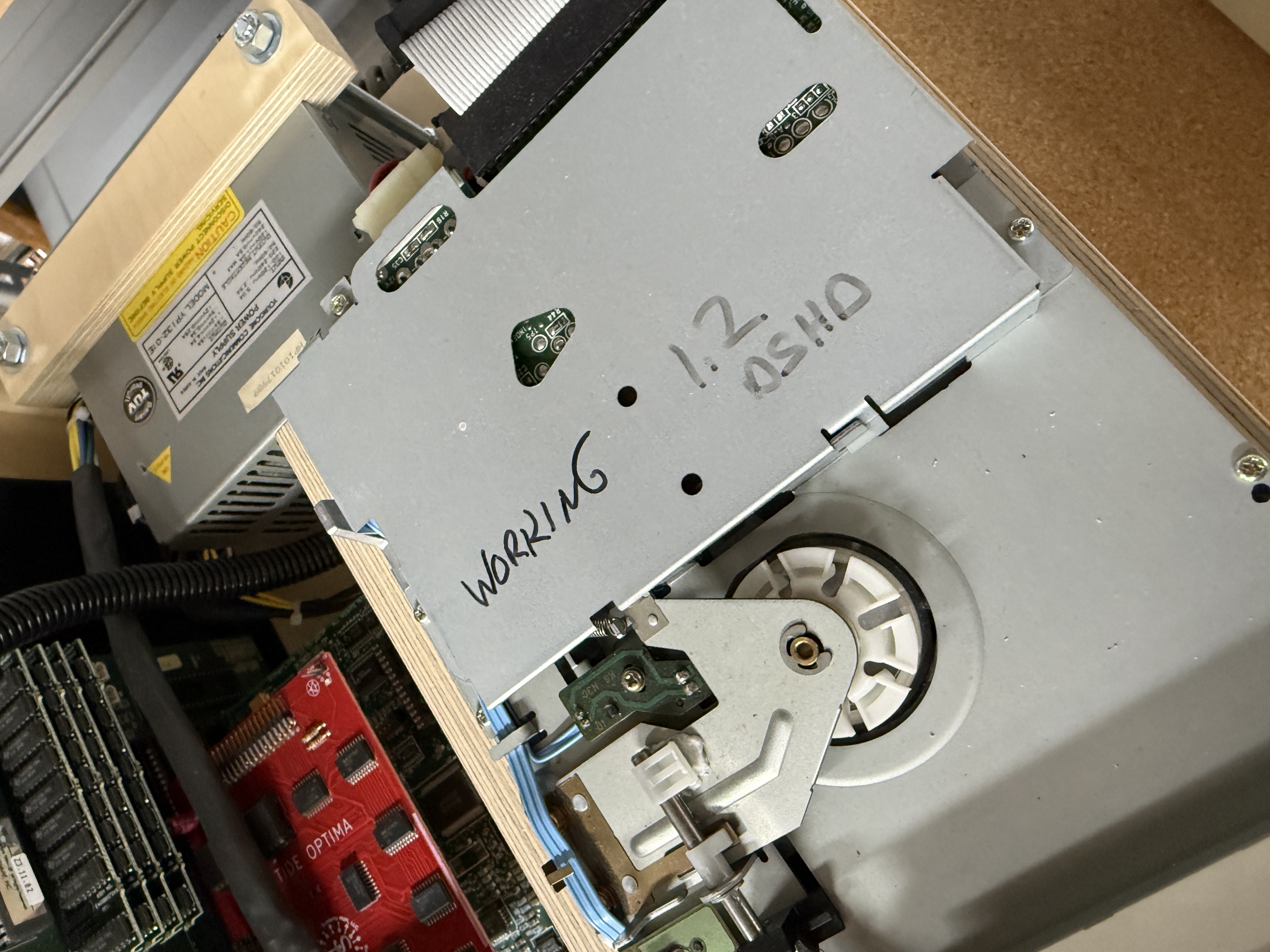
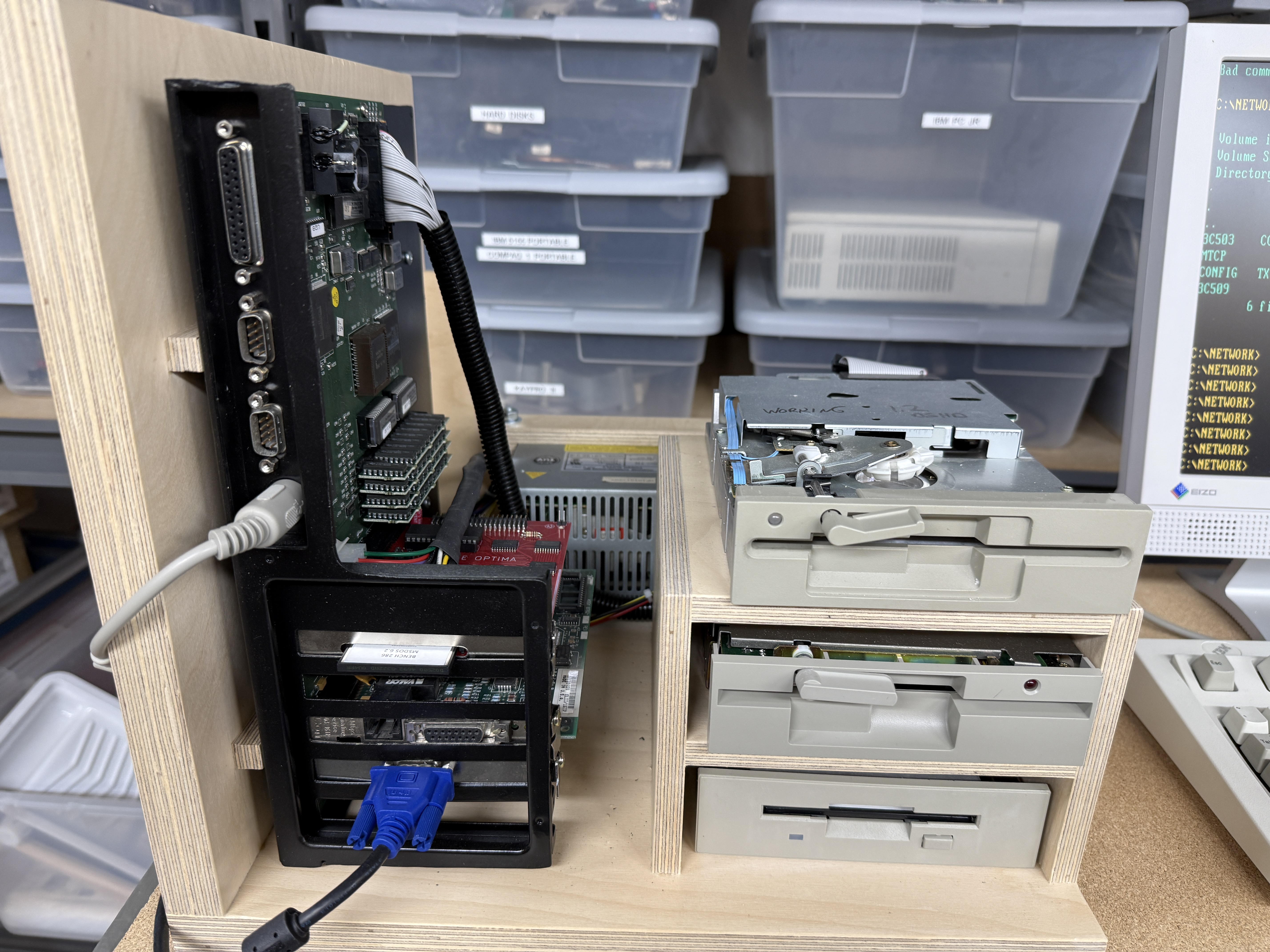
I ended up acquiring 5.25" drives in several densities, plus 3.5" drives for the same purpose. They all work fine — which is, of course, the whole point of the machine. But jamming all of that into a normal “box” was a hassle, and I wanted to be able to swap drives in and out based on what the current job needed.
I label each drive with a marker on the case: density, format, and whether I have actually confirmed it working. It sounds silly, but when you have a stack of pulled-from-junk drives on the shelf, that label is the difference between five minutes of work and an afternoon of head-scratching.
The mount
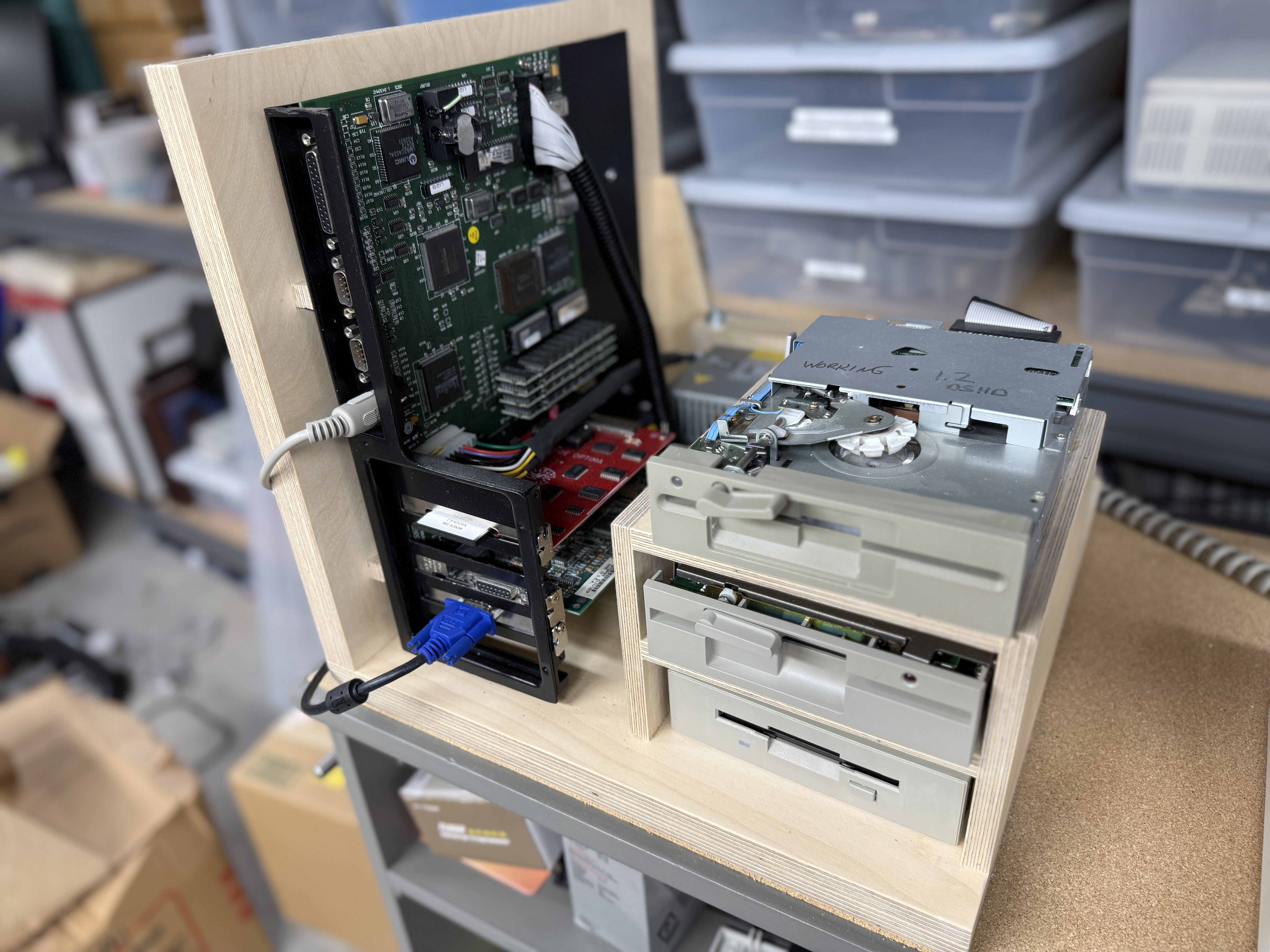
I do a lot of work in my workshop, so I decided to build a support for the motherboard out of baltic birch. Half utility, half art. I built the mount using parts from the original chassis, then designed drive bays that are really just shelves — they let me swap drives in and out based on whatever config the job calls for. It works brilliantly.
The mount also makes the machine a joy to work on. Everything is visible, everything is reachable, and when something needs attention it is a matter of pulling the drive off the shelf rather than fighting a cramped PC case.
More than something for me
I use the mule more than you might think. A close friend of mine was cleaning out a storage unit he’d had for 25 years. He’s an entrepreneur — started a company right out of MIT — and the unit was full of old DOS diskettes: payroll, source code, spreadsheets, all of it. He asked if I could read them.
Yep. The mule can.
We spent an evening reading diskettes, zipping up files, and FTP’ing them to my NAS, and from there I sent them along to him via Dropbox. Twenty-five years of his working life, pulled off dying media in a single sitting. That’s the kind of thing the mule was built for.
Gallery