After completing the Indy retro-reimagined display, I enjoyed using the SGI Indigo so much that I decided to do the same for the R4400. The Indigo’s Purple/Blue color scheme is just as recognizable as the Indy’s teal, and the same 1280x1024 Sun donor LCD that worked for the Indy pairs perfectly with the R4000 + Elan graphics — both run at the same native resolution, so the panel is well matched.
The Build
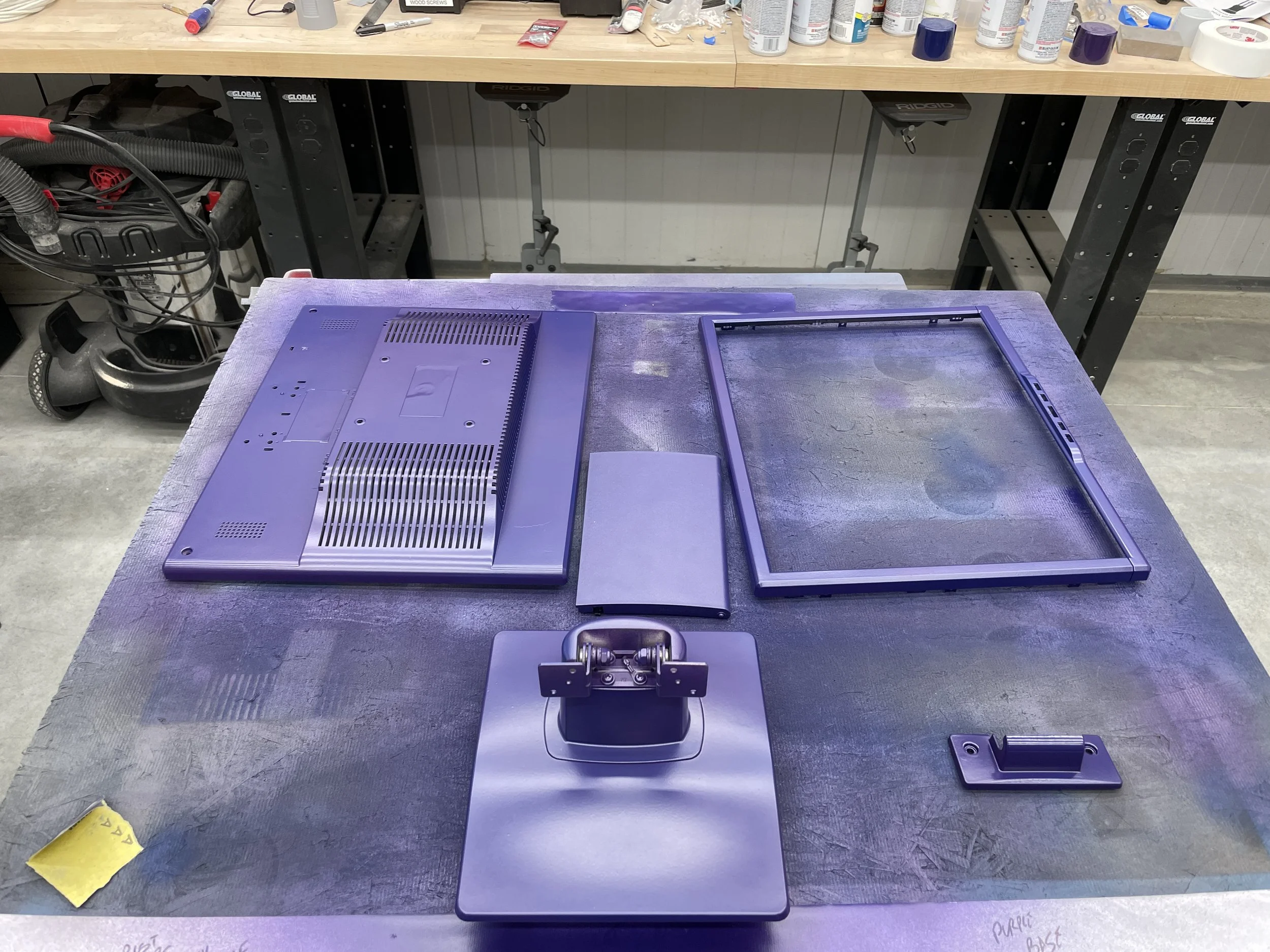
This one came together faster than the Indy build. The color match needed only two different colors of paint in the right proportion, where the Indy’s teal had taken six layers of careful Lagoon-plus-Metallic-plus-Satin-Black-plus-Navy-plus- Hunter-Green tuning. After a few days of work in the workshop, the parts came out matching the actual Indigo chassis under both shop lighting and natural light.
I acquired another SGI Logo from the same person I’d bought the Indy badge from, attached it to the bezel, and called it done. The result pairs with the Indigo on the desk the same way the Indy version does — close enough at arm’s length that the family resemblance does the rest of the work.
For the underlying disassembly, surface prep, primer, and “puff” painting technique that this build also uses, see the Indy retro-reimagined display article — those steps are identical.
Related Articles
- SGI Indigo R4400 — The workstation this display was built to pair with.
- Indy Retro-Reimagined Display — The original teal retro-recreation that inspired this build, with the full painting process documented.
- NeXT Retro-Reimagined Display — The same approach applied to a NeXT-styled black monitor.
Gallery