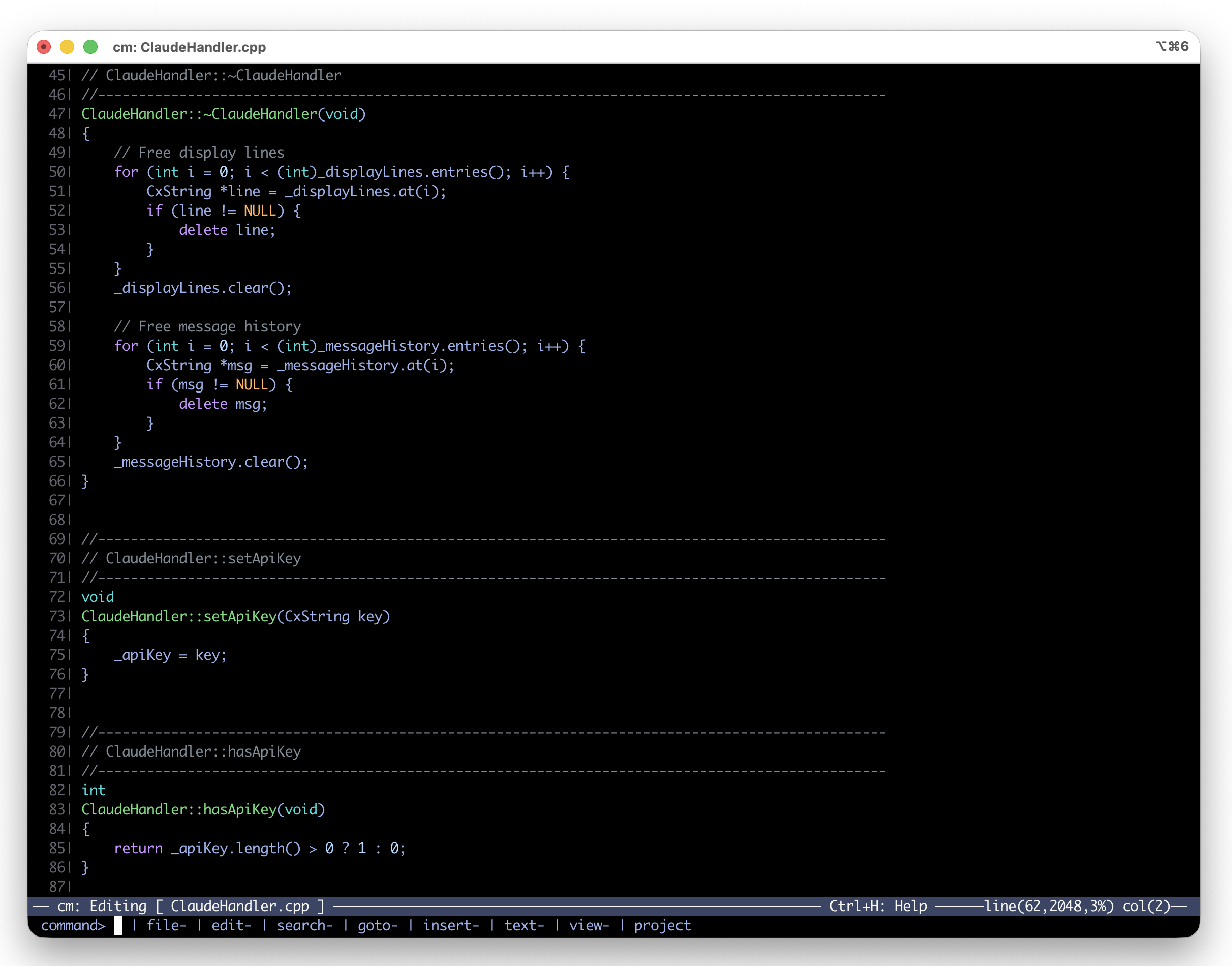
cmacs (cm) is a terminal-based text editor I wrote to solve a simple problem: I needed an editor that worked the same way on every machine in my collection. Not vi, not emacs, not nano—something that felt immediately familiar, stayed out of the way, and compiled cleanly on everything from a SPARCstation running SunOS 4.1.4 to a modern Mac.
The editor is available on GitHub and described in more detail on my project page.
Why Write an Editor?
For most of my career I was a software entrepreneur. I maintained a large cross-platform C++ library called cx that I kept portable across every Unix and Unix-derived system I could get my hands on. The machines in this collection were not just display pieces—they were build targets. Every one of them needed to compile the library cleanly, and I needed a consistent editing environment across all of them.
The existing options all had problems. vi is
everywhere but its modal editing is a barrier if
you move between machines infrequently. emacs is
powerful but heavy and not always available on
older systems. nano is simple but limited. I
wanted something that was always in insert mode,
had modern features like syntax highlighting and
split screens, and compiled with nothing more
than make.
The cx Library
cmacs is built entirely on the cx library, a portable C++ foundation I wrote from scratch with zero external dependencies. No Boost, no STL, no autoconf, no cmake. The library provides everything the editor needs:
- String and container operations
- File I/O and JSON handling
- Networking
- Terminal handling
- Threading
- Expression evaluation
The discipline of having no dependencies is what
makes it possible to compile on systems where
modern toolchains and package managers do not
exist. On a SPARCstation 2 running SunOS 4.1.4,
there is no apt-get install boost-dev. The
compiler and make are all you get, and that is
all cx needs.
The library is open source under the Apache 2.0 license. More details are on the library page.
Features
cmacs is designed around the idea that a terminal editor should be immediately usable without memorizing a command reference:
- Always in insert mode — open a file and start typing, no mode switching
- Full mouse support — click to position the cursor, select text, scroll
- ESC-based commands — discoverable command system, no chording required
- Syntax highlighting — language-aware coloring for C, C++, and other languages
- Split screens — edit multiple files side by side
- Project management — navigate and build multi-file projects from within the editor
- Integrated build system — compile and view errors without leaving the editor
Supported Platforms
cmacs compiles and runs on:
- macOS
- Linux
- Raspberry Pi
- NetBSD
- Solaris
- SunOS 4.1.x
- IRIX
Every platform listed above has been tested on real hardware from the collection. The compile time comparisons article documents build times across many of these machines—from a 40 MHz SPARCstation 2 to modern hardware.
Getting cmacs
The source code is available on GitHub. Building is straightforward on any supported platform:
make
There are no configure scripts, no dependency
checks, no generated makefiles. If you have a
C++ compiler and make, it builds.