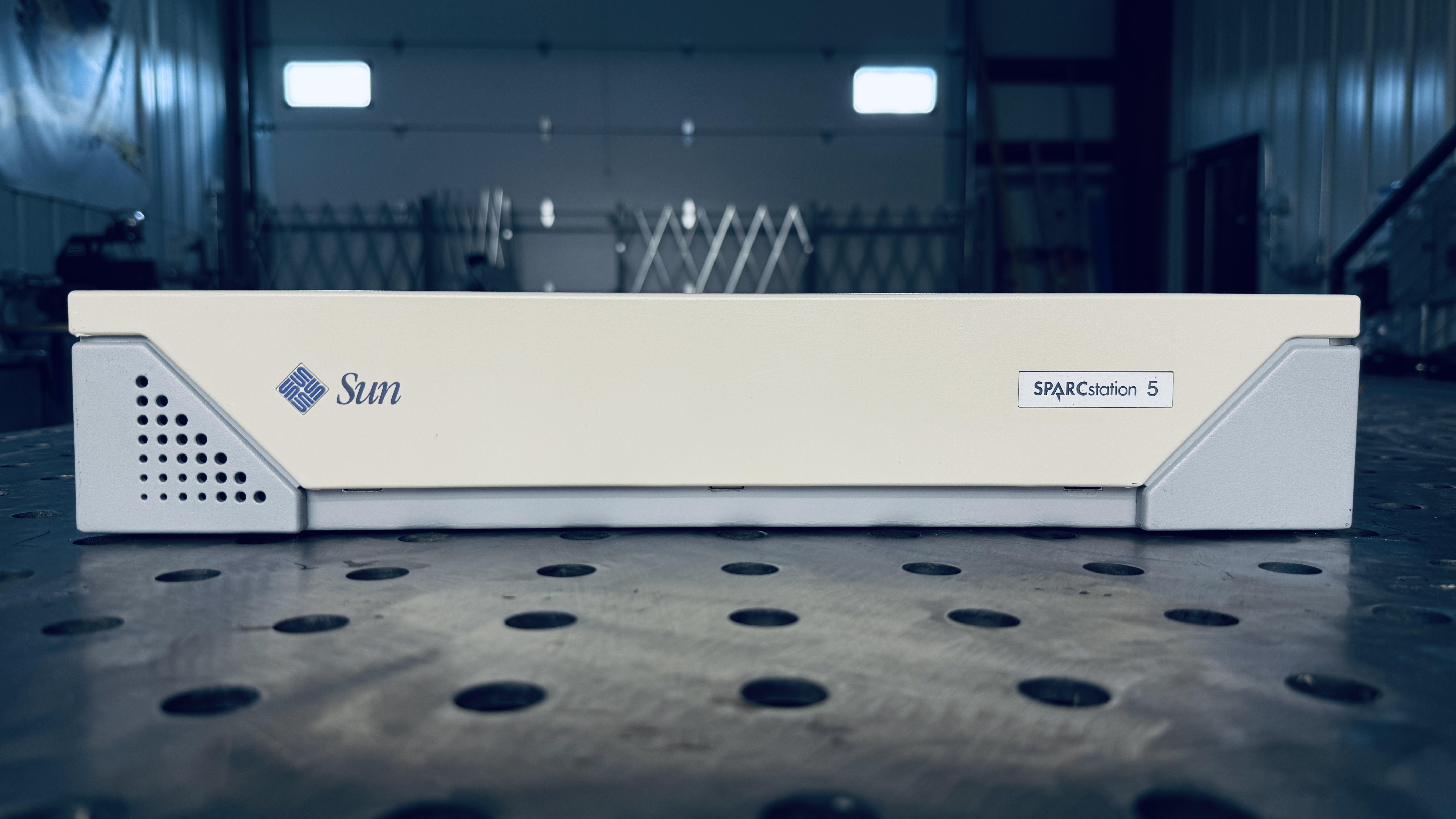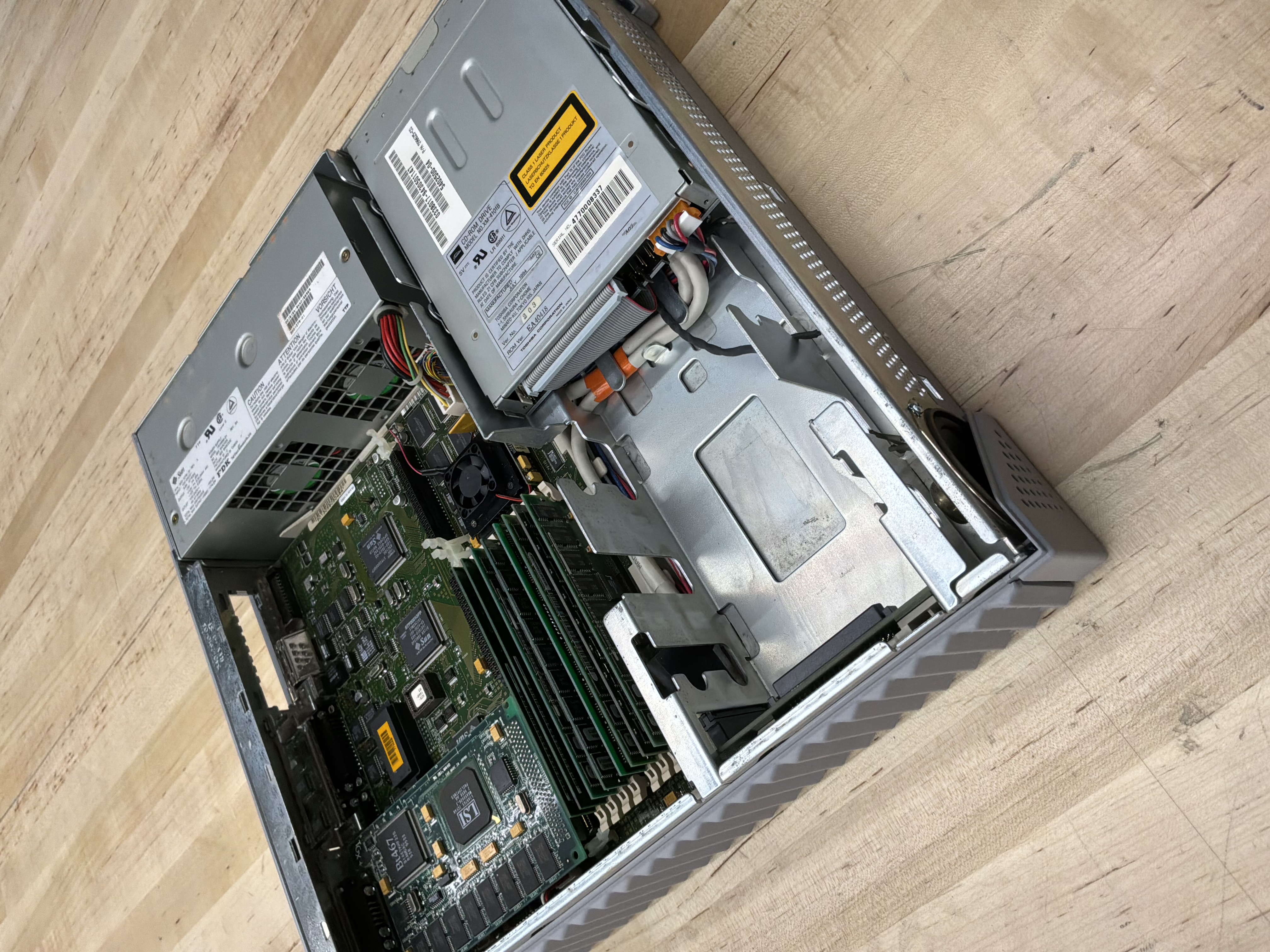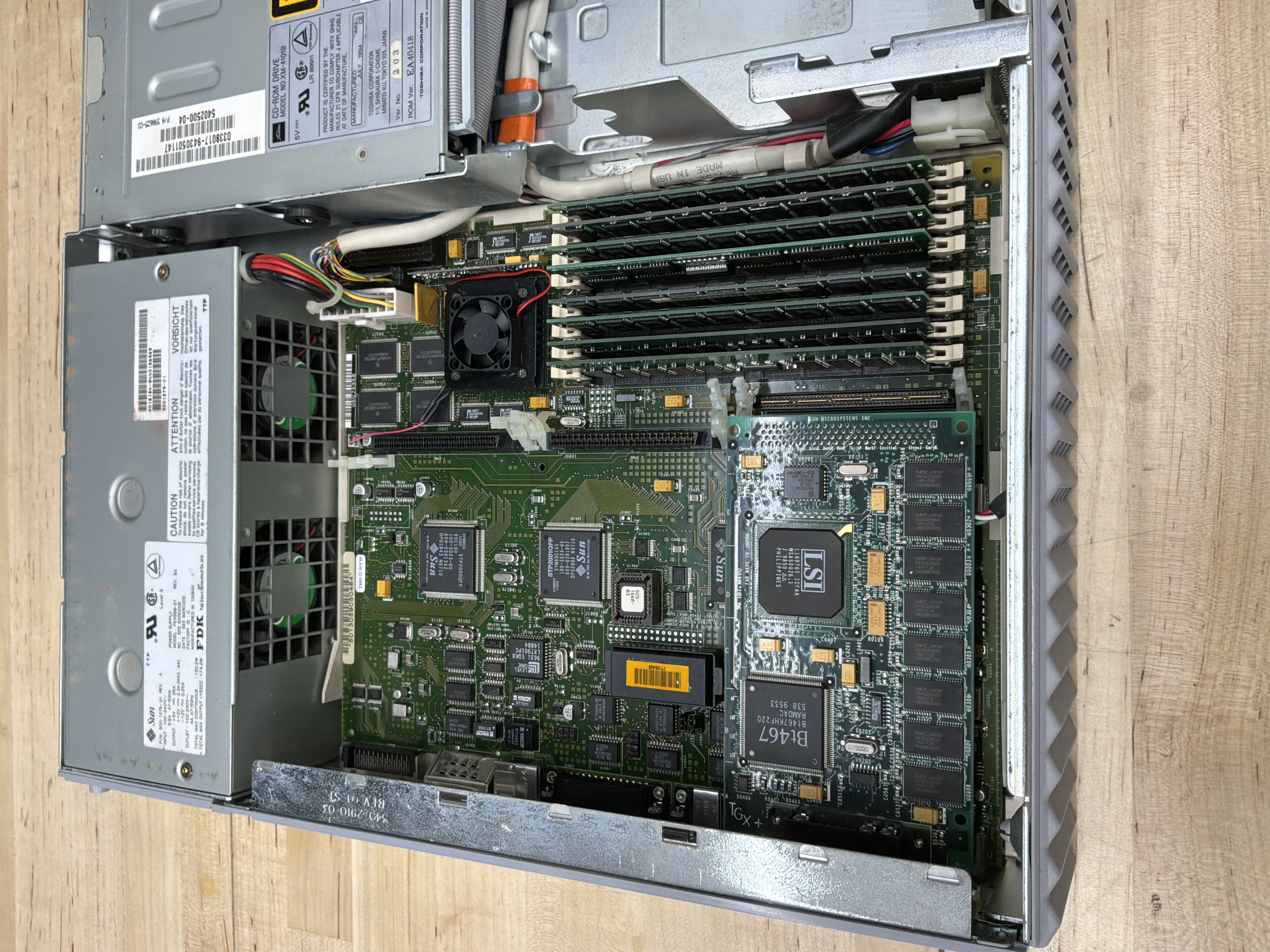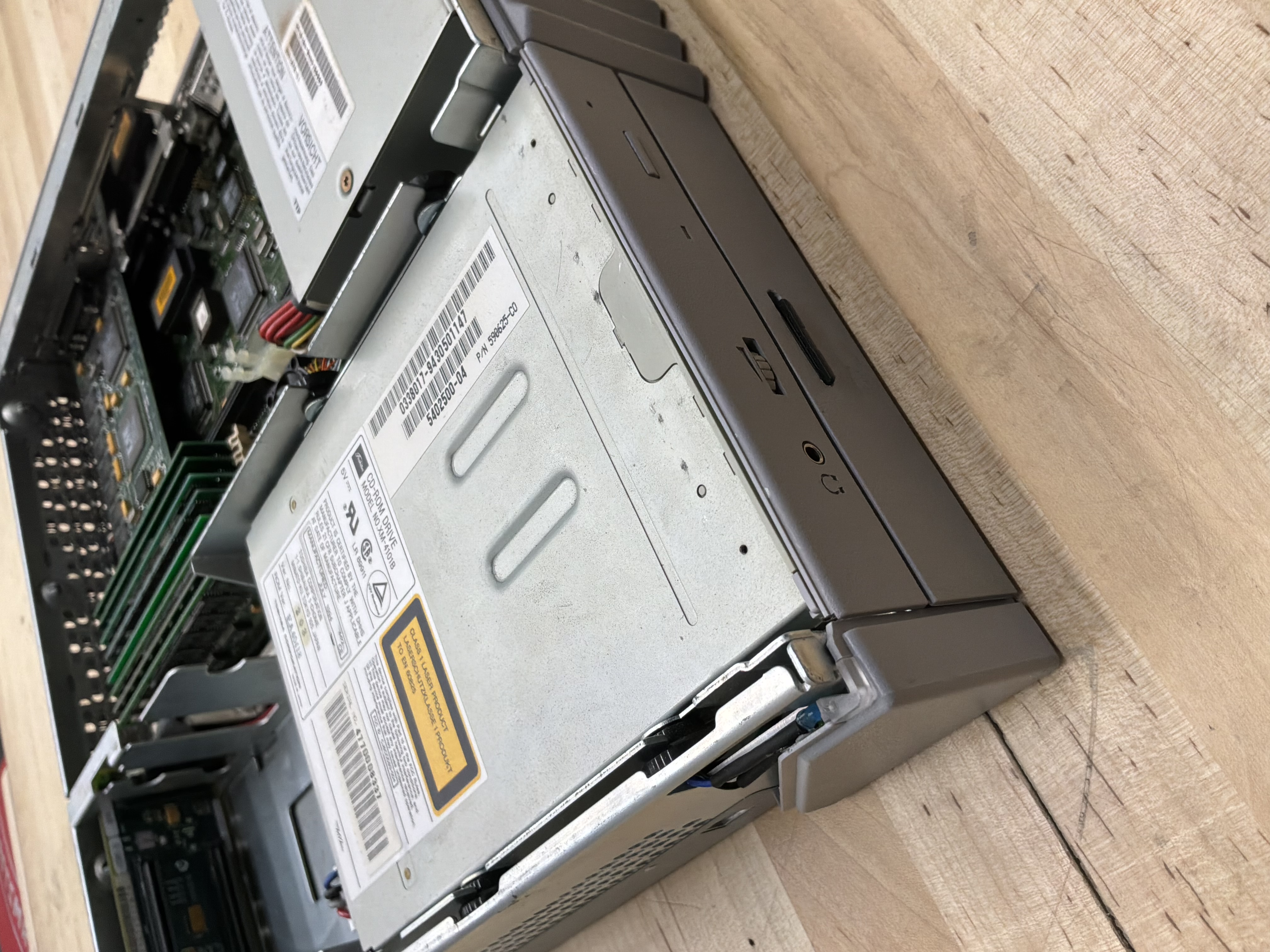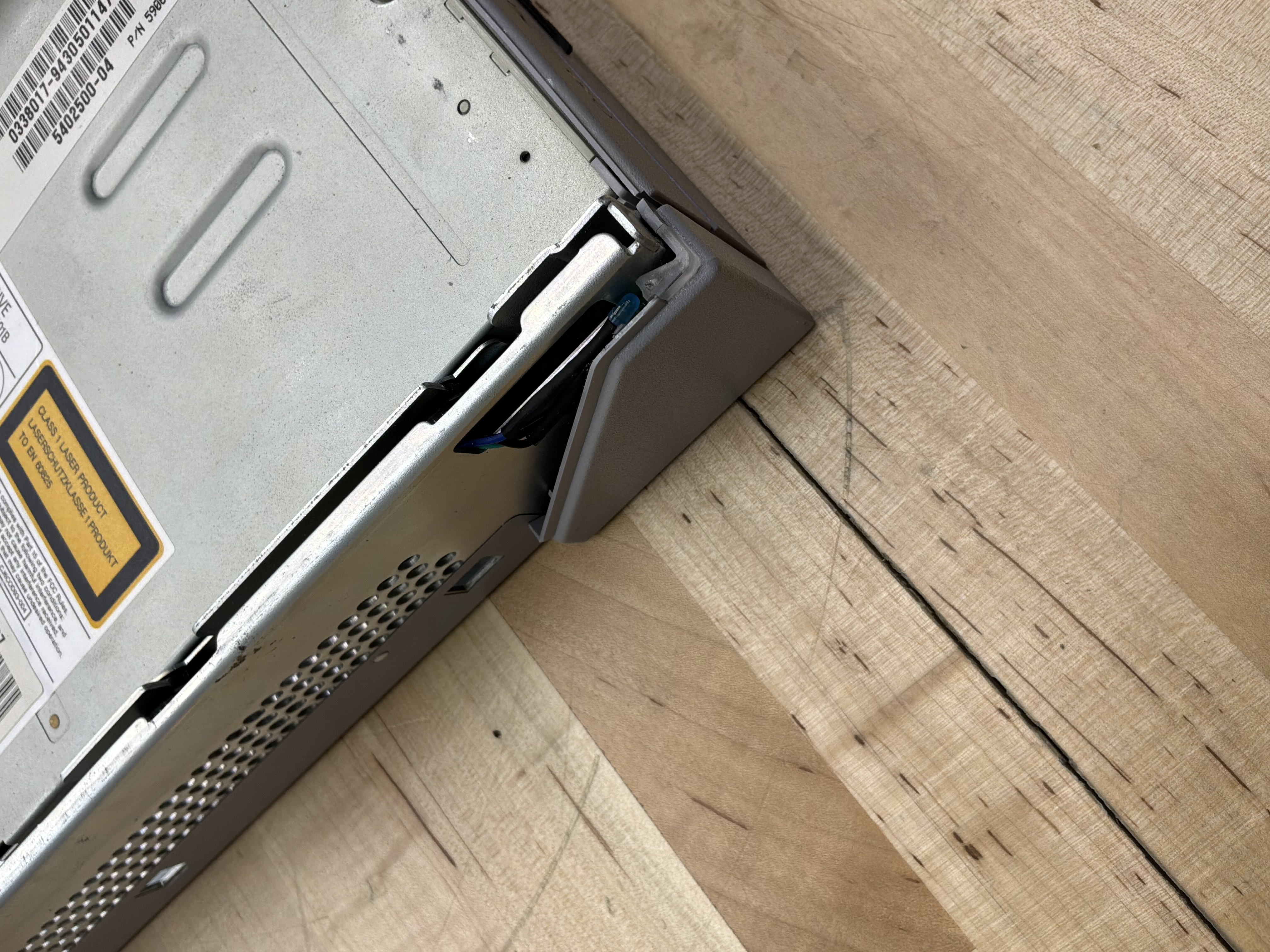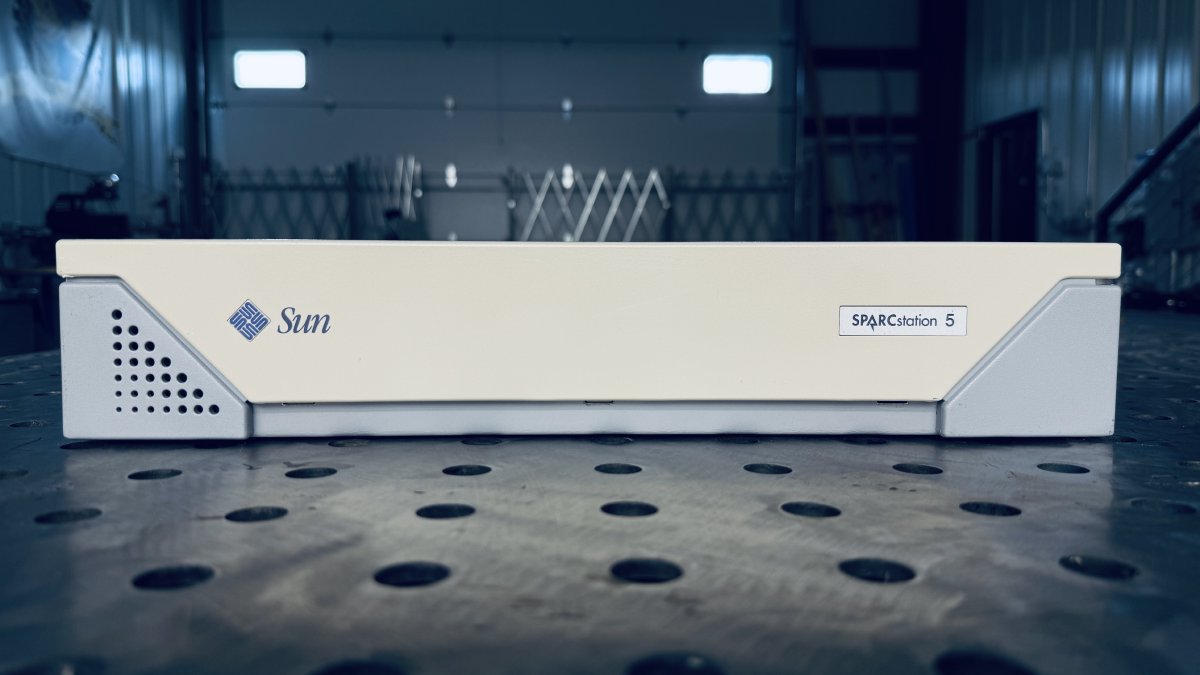
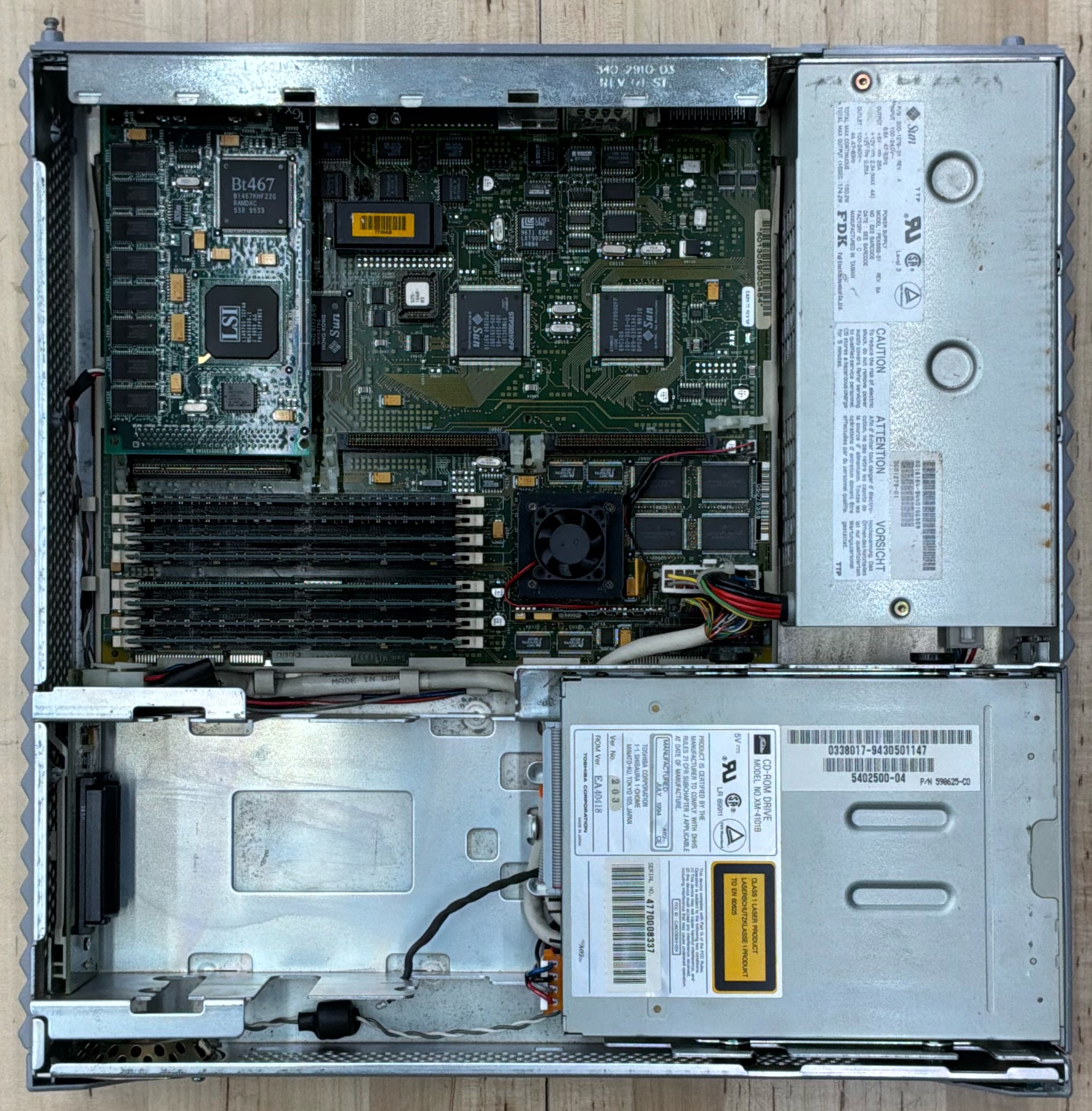
The SPARCstation 5, code-named “Aurora,” was introduced in March 1994 as Sun’s entry-level workstation. Despite its budget positioning, the SPARCstation 5 offered remarkable performance and became one of the best-selling Sun workstations ever produced. This particular machine features the top-of-the-line 170 MHz TurboSPARC processor, making it one of the fastest SPARCstation 5 configurations available.
History
By 1994, Sun Microsystems had established SPARC as the dominant architecture in the Unix workstation market. The SPARCstation 5 was designed to be an affordable entry point into the Sun ecosystem while still delivering serious computing power.
The SPARCstation 5 introduced the microSPARC and TurboSPARC processors, which integrated more functionality onto a single chip than previous SPARC implementations. This integration reduced costs and power consumption while improving performance. The machine supported processor speeds ranging from 70 MHz to 170 MHz, with the TurboSPARC 170 being the pinnacle of the line.
The SS5 was particularly popular in educational institutions and small businesses, where its combination of Unix reliability, networking capabilities, and competitive pricing made it an attractive alternative to PC-based solutions. Many computer science students of the mid-1990s learned Unix on SPARCstation 5 systems.
Specifications
| Attribute | Value |
|---|---|
| Release Date | March 1994 |
| Model | S5 Model 170 / Code-named Aurora / Serial# 7813547 |
| CPU | TurboSPARC @ 170 MHz |
| Architecture | Sun4m / OBP 2.29 |
| RAM | 256Mb |
| OS | Solaris 2.6 |
| Graphics | SBus: CG6 TGX+ 1280x1024@76 |
| Environment | Common Desktop Environment (CDE) |
| Disk Image | 36 GB SCSI / ZuluSCSI RP2040 |
Useful Documents
Compile Time Comparisons - Benchmarking C++ compile times across vintage and modern hardware, including this machine.
cmacs: Cross-Platform Terminal Editor - A portable editor built on the same C++ library used for the compile time benchmarks.
CDE Keyboard Repeat Rate - Fixing the sluggish default keyboard repeat rate in Solaris CDE.
Resetting IDPROM on Sun Workstations - Procedure for reprogramming the IDPROM after a timekeeper chip replacement.
Interactive Sun IDPROM Reset Tool - Pick your model and copy the exact
mkpcommands for theokprompt — fresh MAC address generated automatically.Locked Out: Clearing the Firmware Password - Bypassing a phantom firmware password caused by corrupt NVRAM in the timekeeper chip.
Last OBP Firmware Versions - Reference table of the final OpenBoot PROM versions available for each Sun workstation.
Sun Boot ROM and Firmware Images - Downloadable OBP and firmware images for Sun workstations and servers.
Sun Hardware Reference Guide - Comprehensive reference for Sun workstation hardware specifications and part numbers.
ZuluSCSI Overview - Overview of ZuluSCSI SCSI emulator boards used across the collection.
ZuluSCSI Disk Images - Setup and configuration of ZuluSCSI disk images for vintage workstations.
Disk Image
A bootable Solaris 2.6 disk image is available for this system, configured for use with ZuluSCSI SCSI emulators.
Download: HD3_Solaris_2.6_SS5_PROTO_512.img.gz
SHA1: 3e541bcb34bcf89d2b3dbe9ea1d94a9ed09f5a63
For setup instructions, see the ZuluSCSI Disk Images overview. For image-specific notes (default accounts, network config, preinstalled compilers and GNU tools), see the Solaris 2.6 Disk Image Notes. Before booting, verify the SHA1 — see Image Security and Checksums.
Gallery