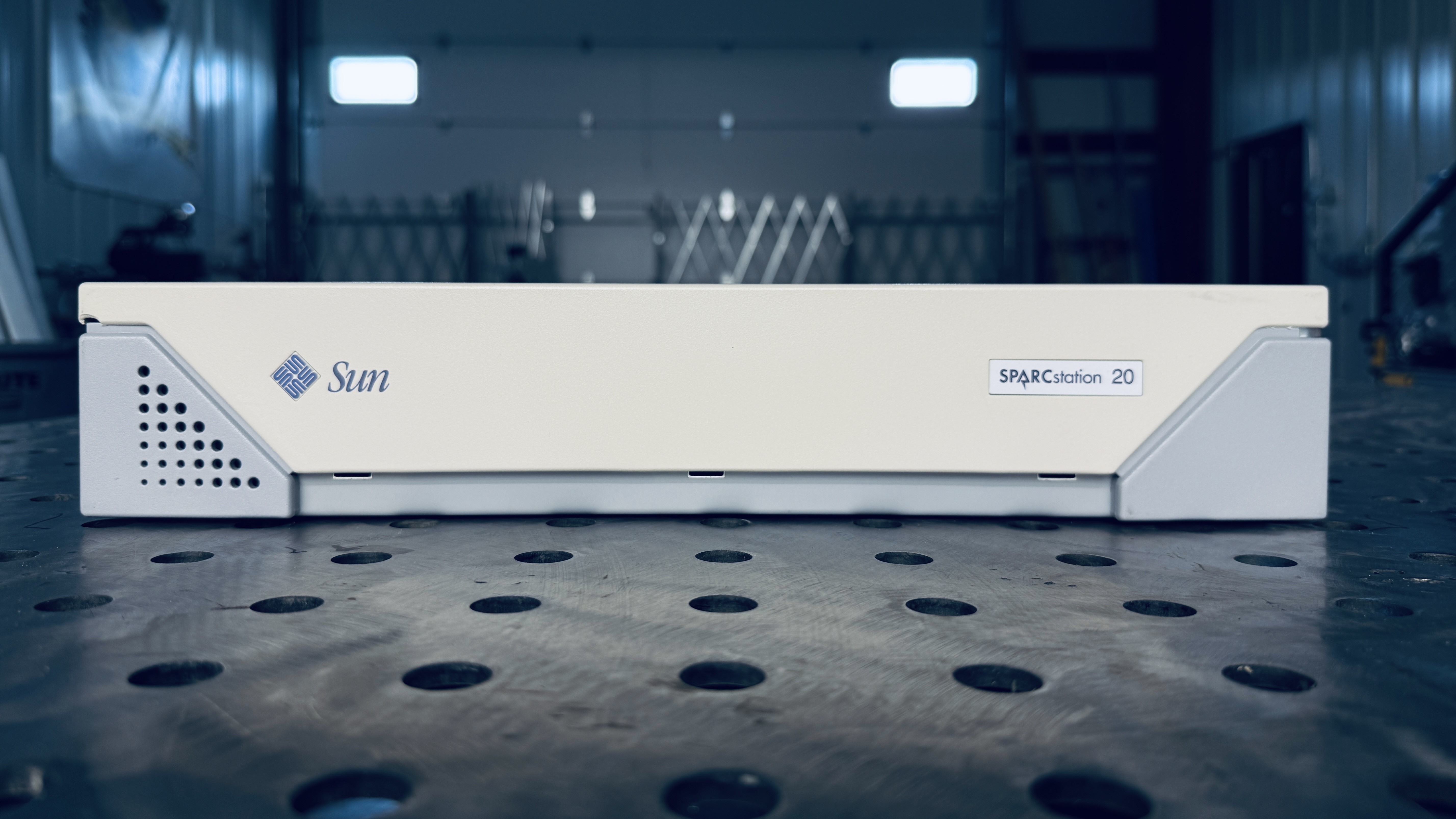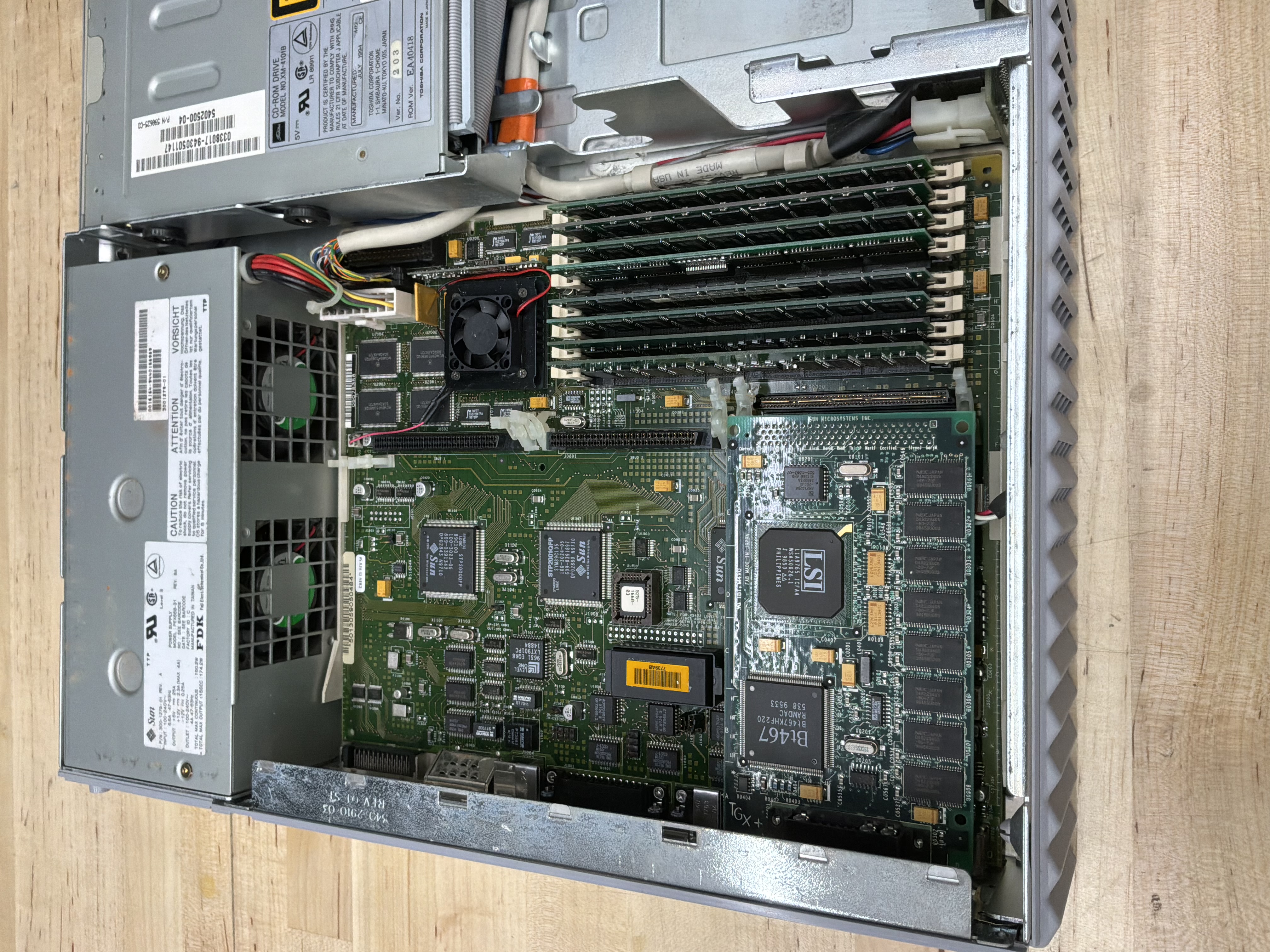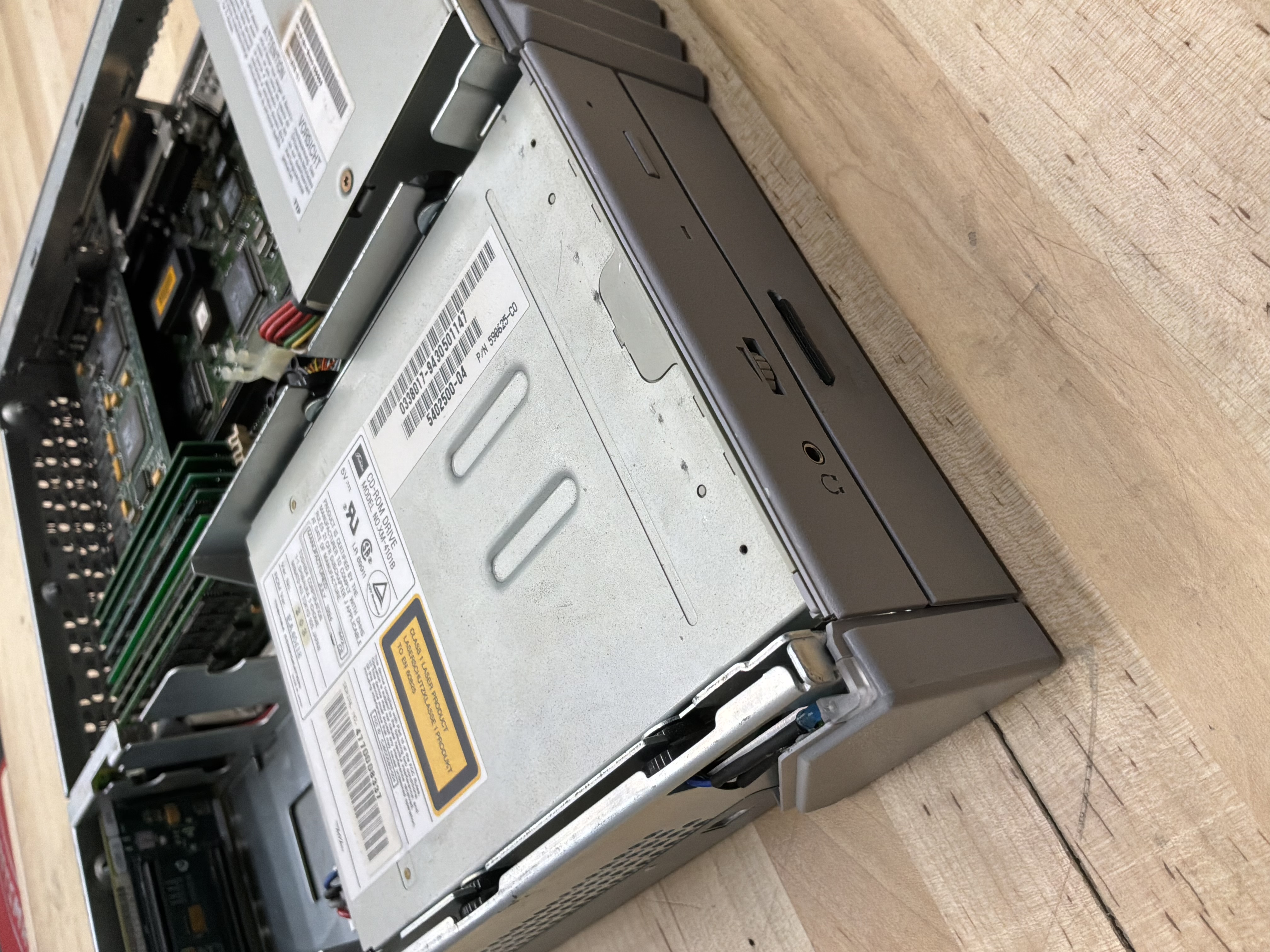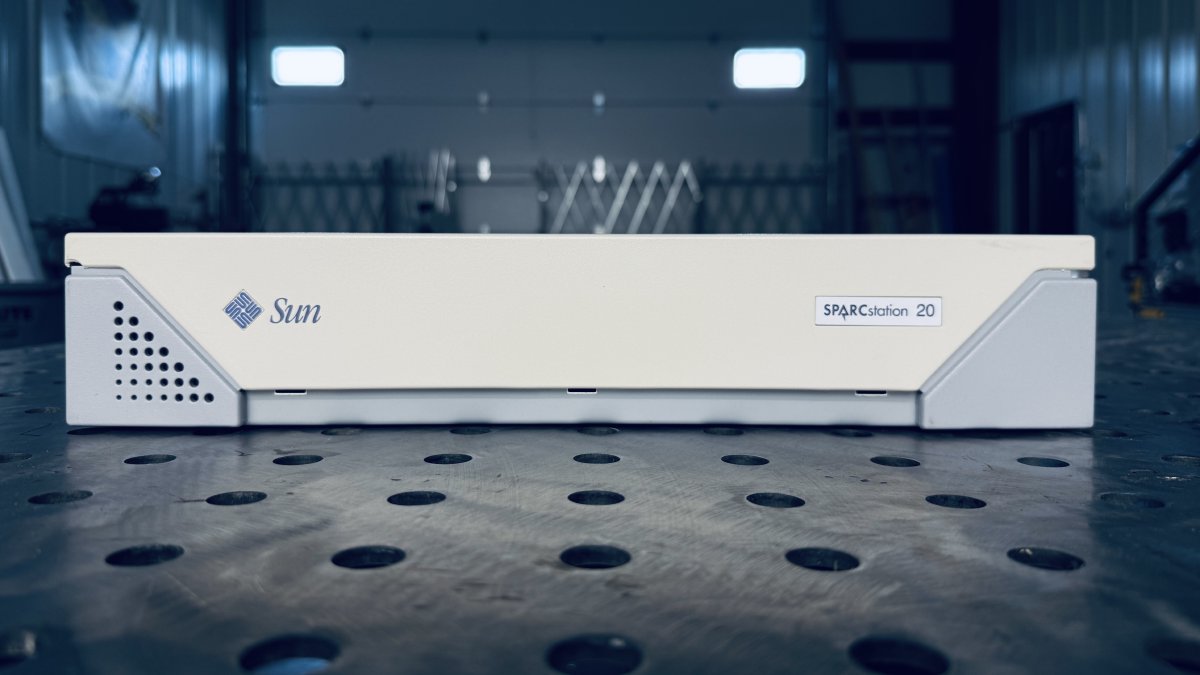
The SPARCstation 20, code-named “Kodiak,” was introduced in March 1994 and represented the pinnacle of Sun’s pizza box workstation line. Building on the multiprocessor foundation of the SPARCstation 10, the SS20 offered support for up to four processors and significantly higher clock speeds. It was the most powerful desktop SPARC workstation of its era.
History
The SPARCstation 20 arrived as the culmination of Sun’s pizza box workstation development. With support for up to four hyperSPARC or SuperSPARC processors, it offered computational power that rivaled many servers of the time, all in a compact desktop form factor.
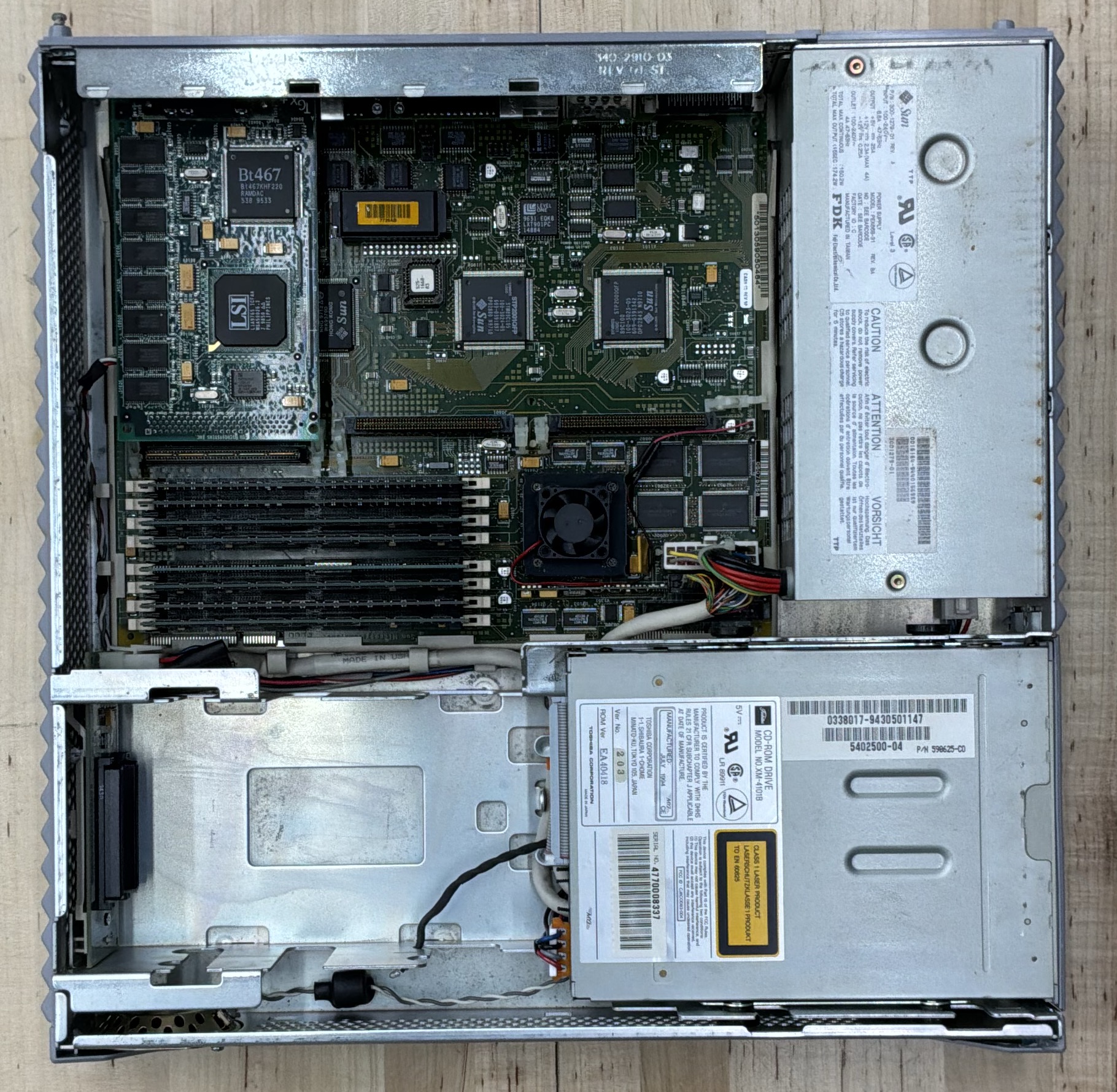
The hyperSPARC processors, manufactured by Ross Technology, offered excellent performance and were particularly popular in SS20 configurations. The combination of multiple high- speed processors, generous memory capacity (up to 512 MB), and four SBus slots made the SS20 an incredibly versatile machine.
The SS20 was widely used in electronic design automation (EDA), 3D graphics rendering, software development, and scientific computing. Its ability to handle multiple concurrent tasks made it popular in environments where engineers needed to compile code while running simulations and editing designs simultaneously.
This particular machine is equipped with a single ROSS hyperSPARC processor running at 125 MHz, representing a mid-range configuration that still delivers excellent performance for vintage computing purposes.
Specifications
| Attribute | Value |
|---|---|
| Release Date | March 1994 |
| Model | S20 / Code-named Kodiak |
| CPU | ROSS hyperSPARC (1 x RT625) @ 125 MHz |
| Architecture | Sun4m / OBP 2.25 |
| RAM | 256Mb |
| OS | Solaris 2.6 |
| Graphics | SBus: TGX+ 1280x1024@76 |
| Environment | Common Desktop Environment (CDE) |
| Disk Image | 36 GB SCSI / ZuluSCSI RP2040 |
Useful Documents
SPARCstation 20 Service Manual (PDF) - The official Sun service manual for the SPARCstation 20. Covers hardware installation, MBus processor modules, memory configurations, and troubleshooting procedures.
Compile Time Comparisons - Benchmarking C++ compile times across vintage and modern hardware, including this machine.
cmacs: Cross-Platform Terminal Editor - A portable editor built on the same C++ library used for the compile time benchmarks.
CDE Keyboard Repeat Rate - Fixing the sluggish default keyboard repeat rate in Solaris CDE.
Resetting IDPROM on Sun Workstations - Procedure for reprogramming the IDPROM after a timekeeper chip replacement.
Interactive Sun IDPROM Reset Tool - Pick your model and copy the exact
mkpcommands for theokprompt — fresh MAC address generated automatically.Locked Out: Clearing the Firmware Password - Bypassing a phantom firmware password caused by corrupt NVRAM in the timekeeper chip.
Last OBP Firmware Versions - Reference table of the final OpenBoot PROM versions available for each Sun workstation.
Sun Boot ROM and Firmware Images - Downloadable OBP and firmware images for Sun workstations and servers.
Sun Hardware Reference Guide - Comprehensive reference for Sun workstation hardware specifications and part numbers.
ZuluSCSI Overview - Overview of ZuluSCSI SCSI emulator boards used across the collection.
ZuluSCSI Disk Images - Setup and configuration of ZuluSCSI disk images for vintage workstations.
Disk Image
A bootable Solaris 2.6 disk image is available for this system, configured for use with ZuluSCSI SCSI emulators.
Download: HD3_Solaris_2.6_SS20_PROTO_512.img.gz
SHA1: c4e5d1b5f7ade9d0378609b11dfa0775d0c801c1
For setup instructions, see the ZuluSCSI Disk Images overview. For image-specific notes (default accounts, network config, preinstalled compilers and GNU tools), see the Solaris 2.6 Disk Image Notes. Before booting, verify the SHA1 — see Image Security and Checksums.
Gallery