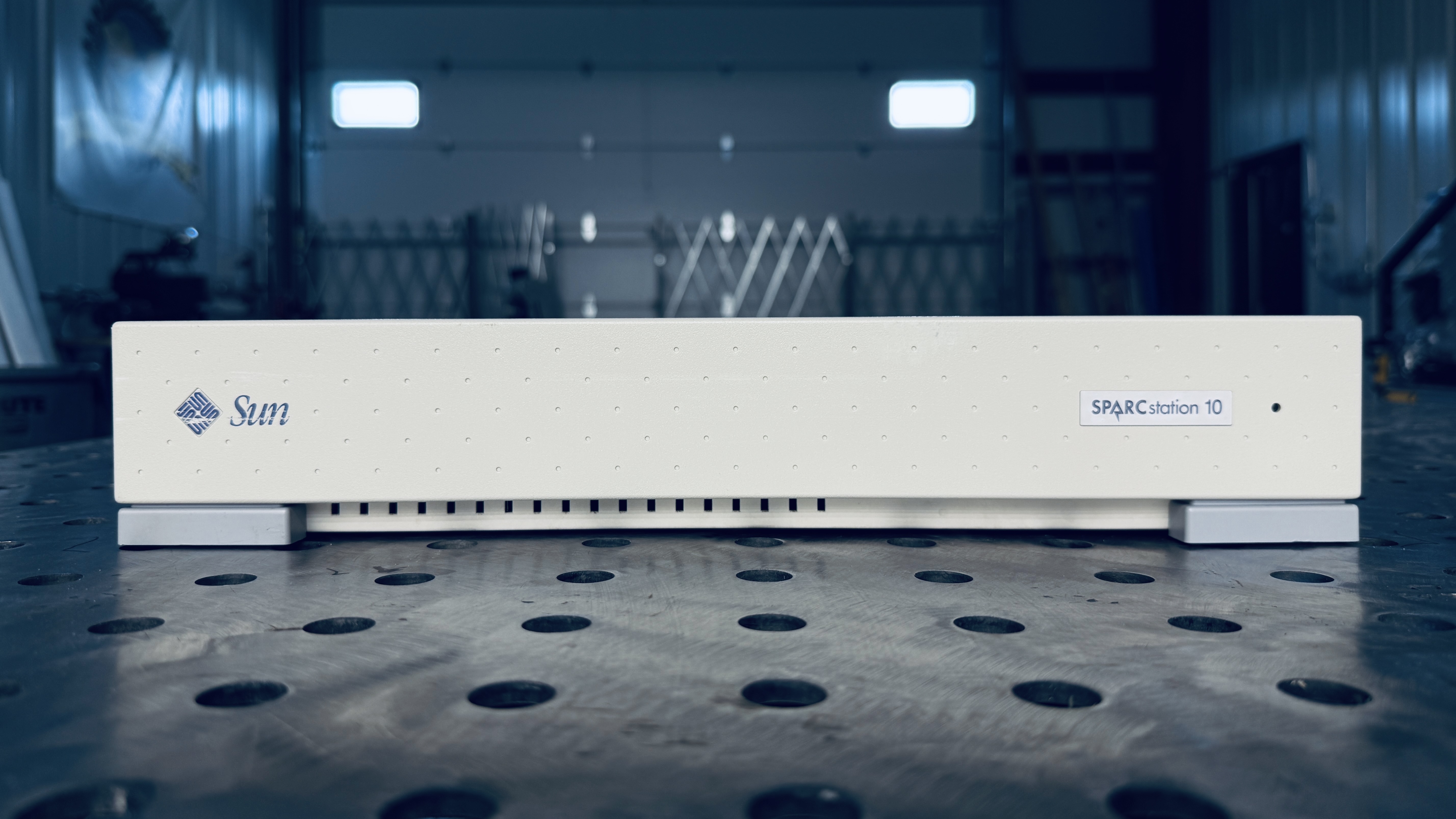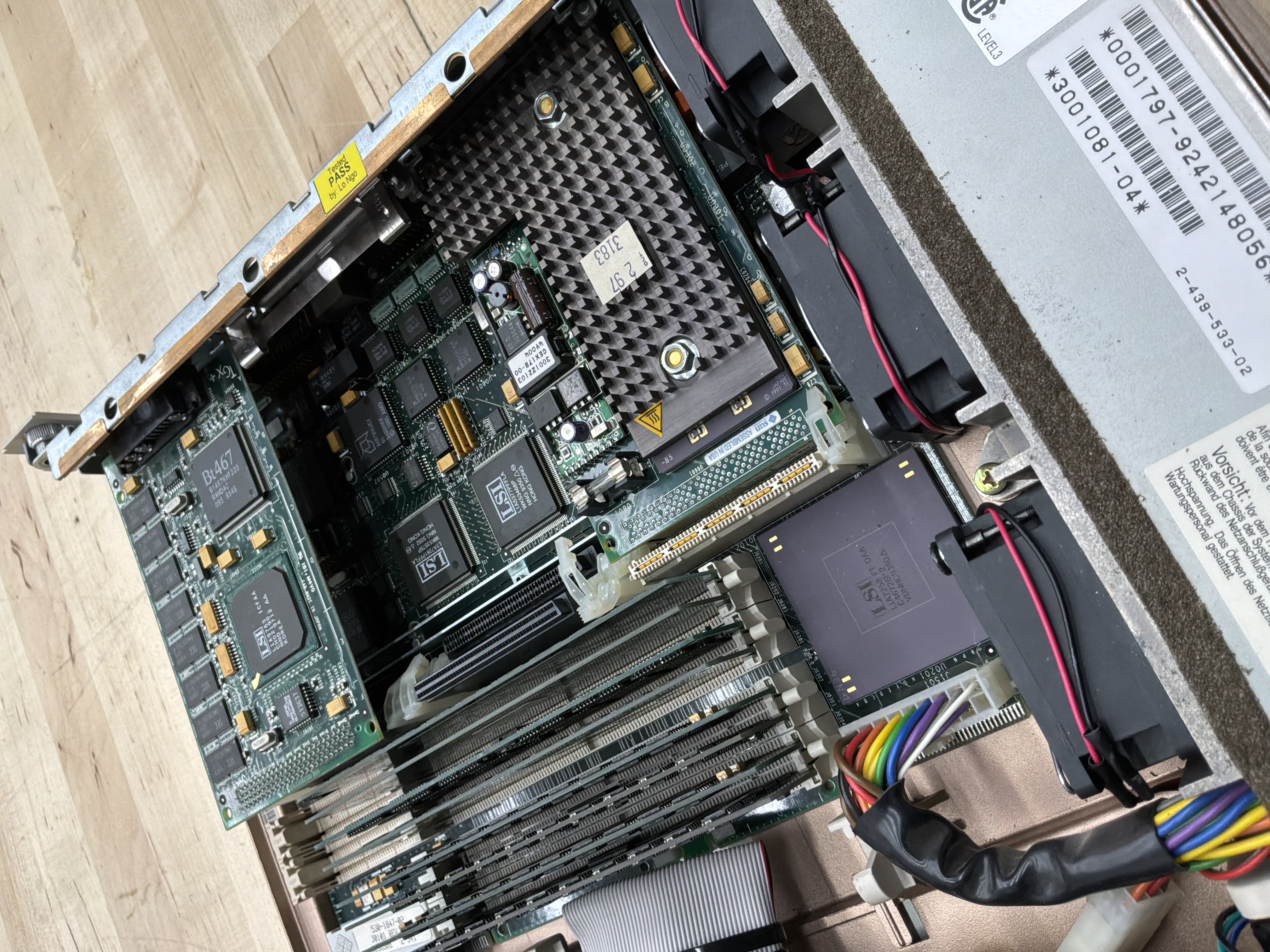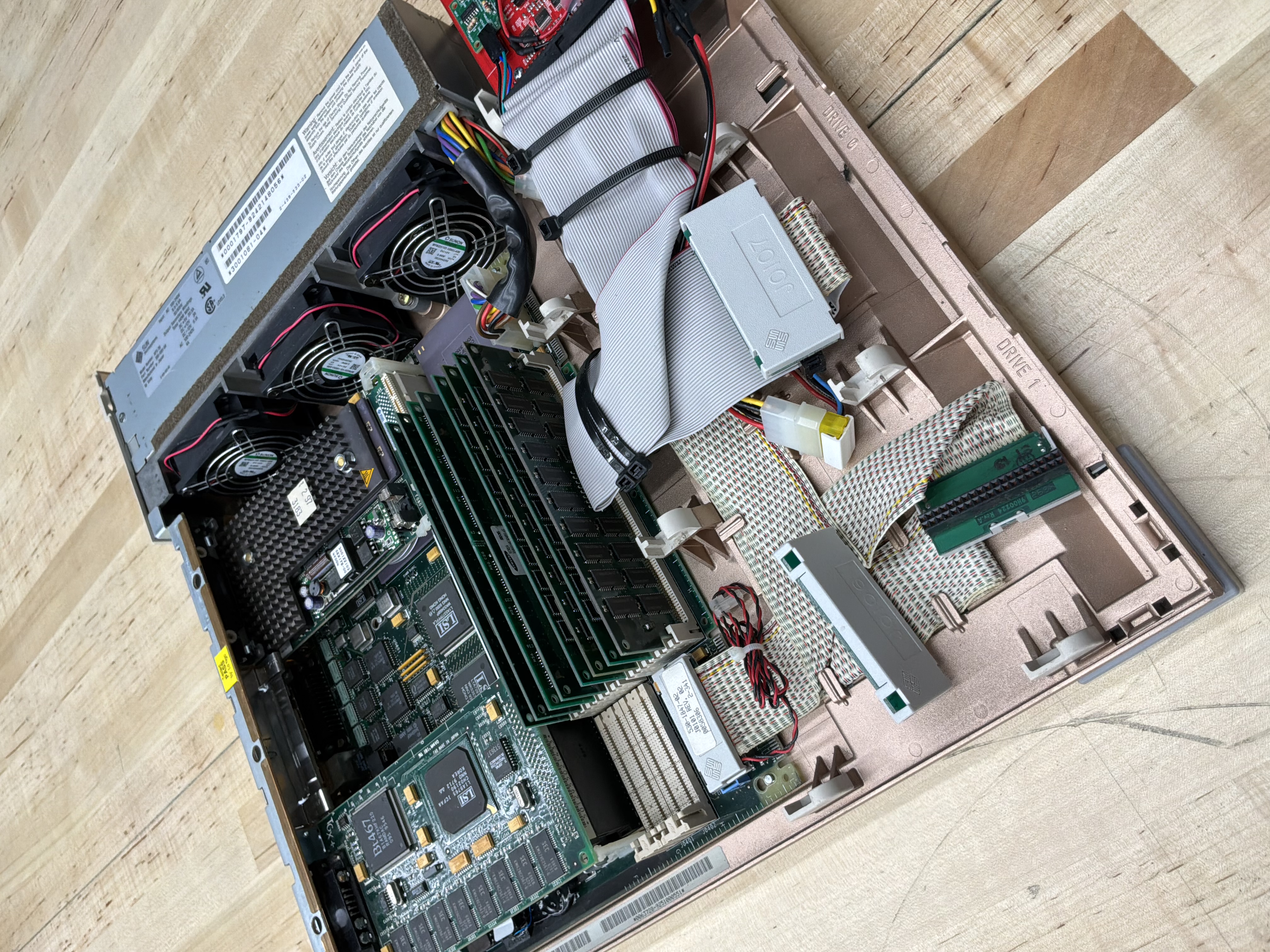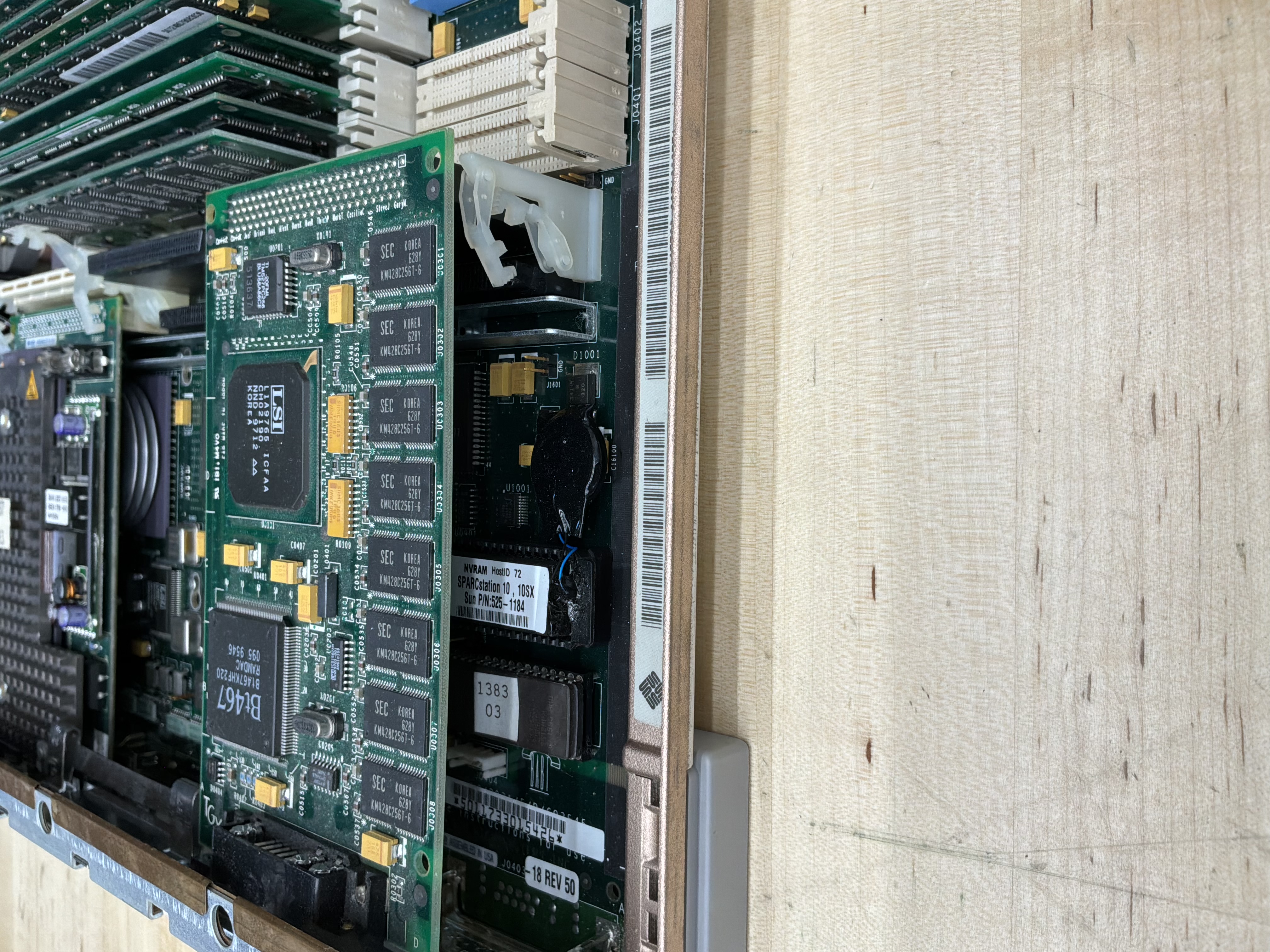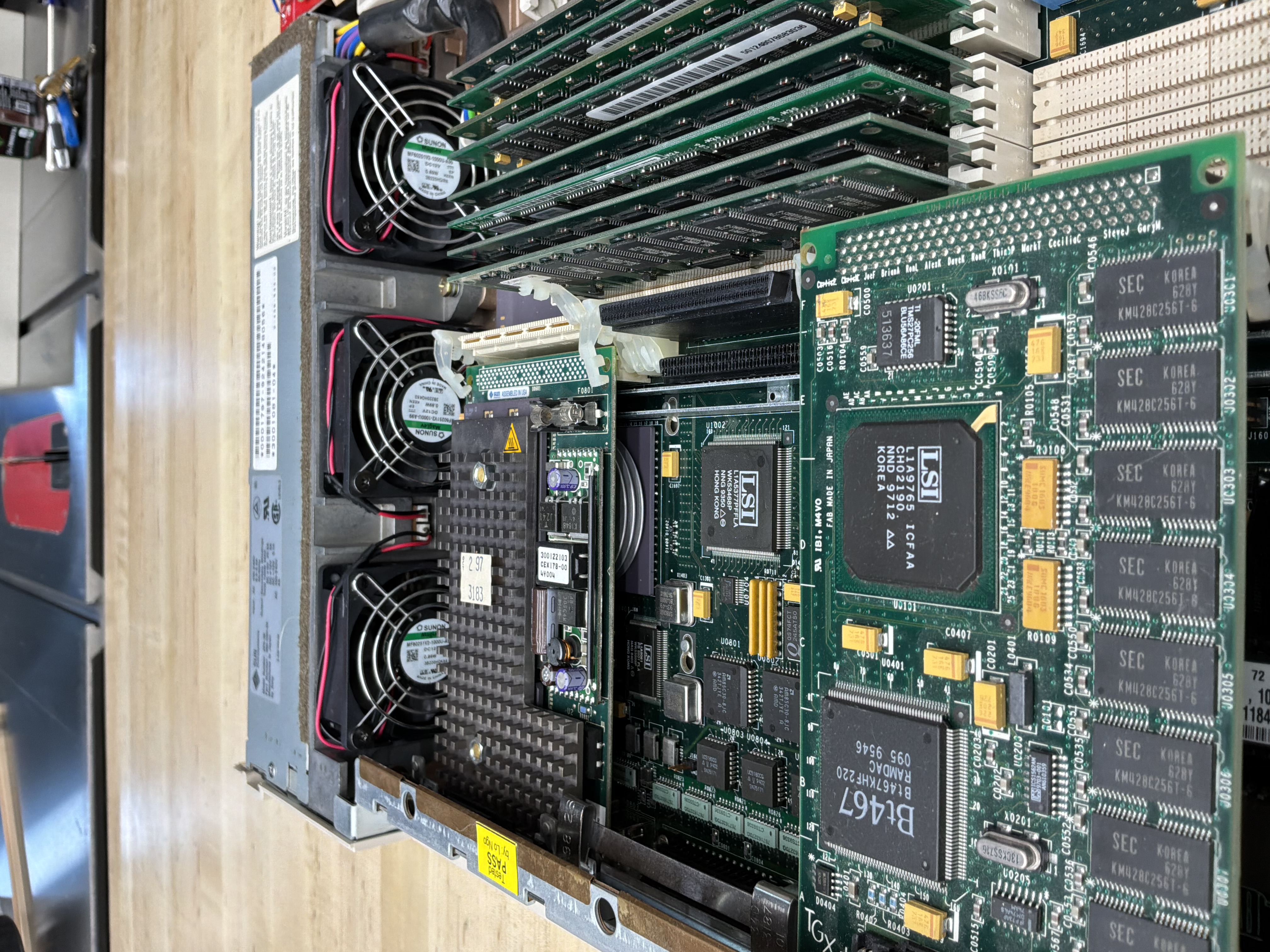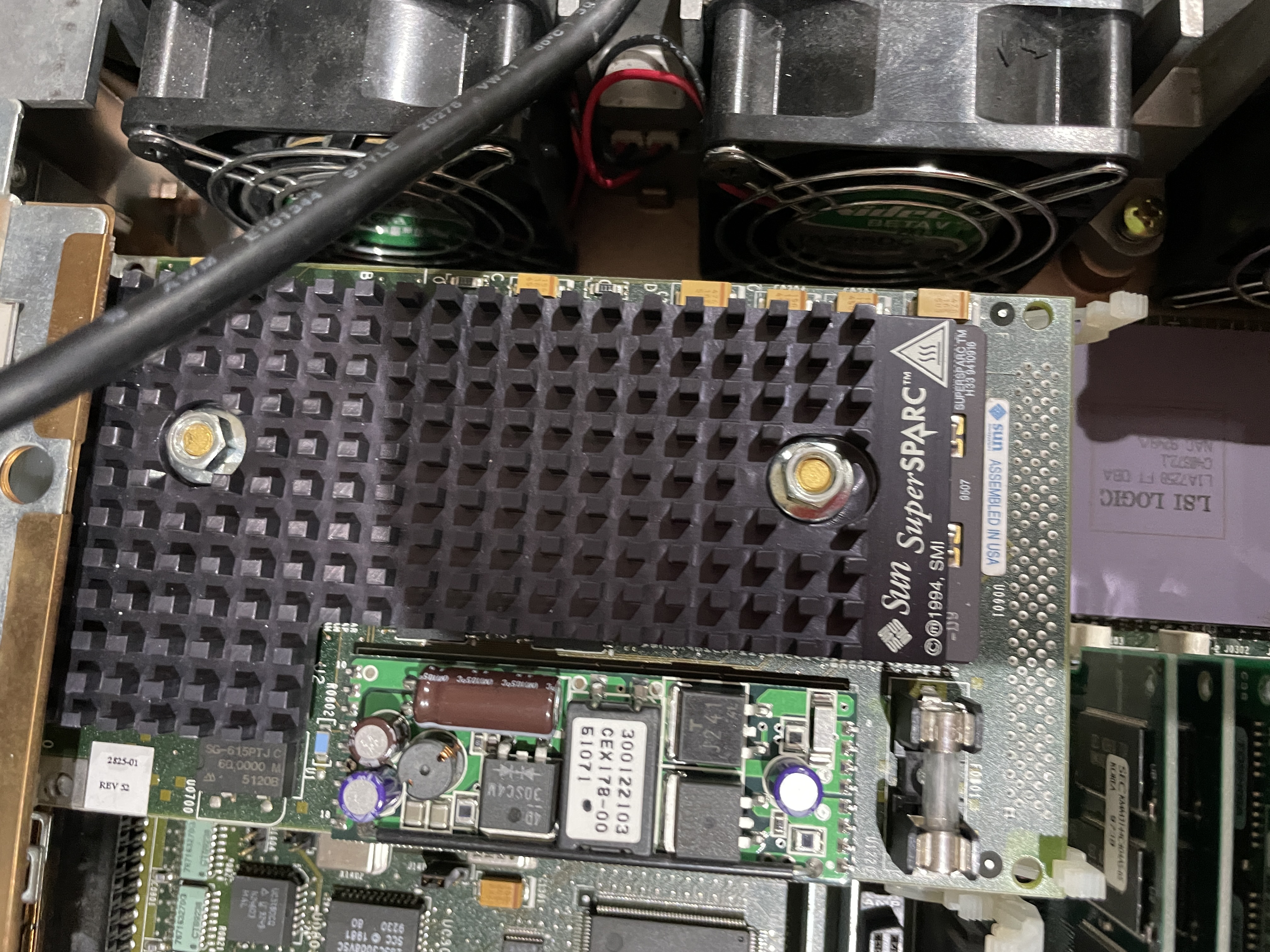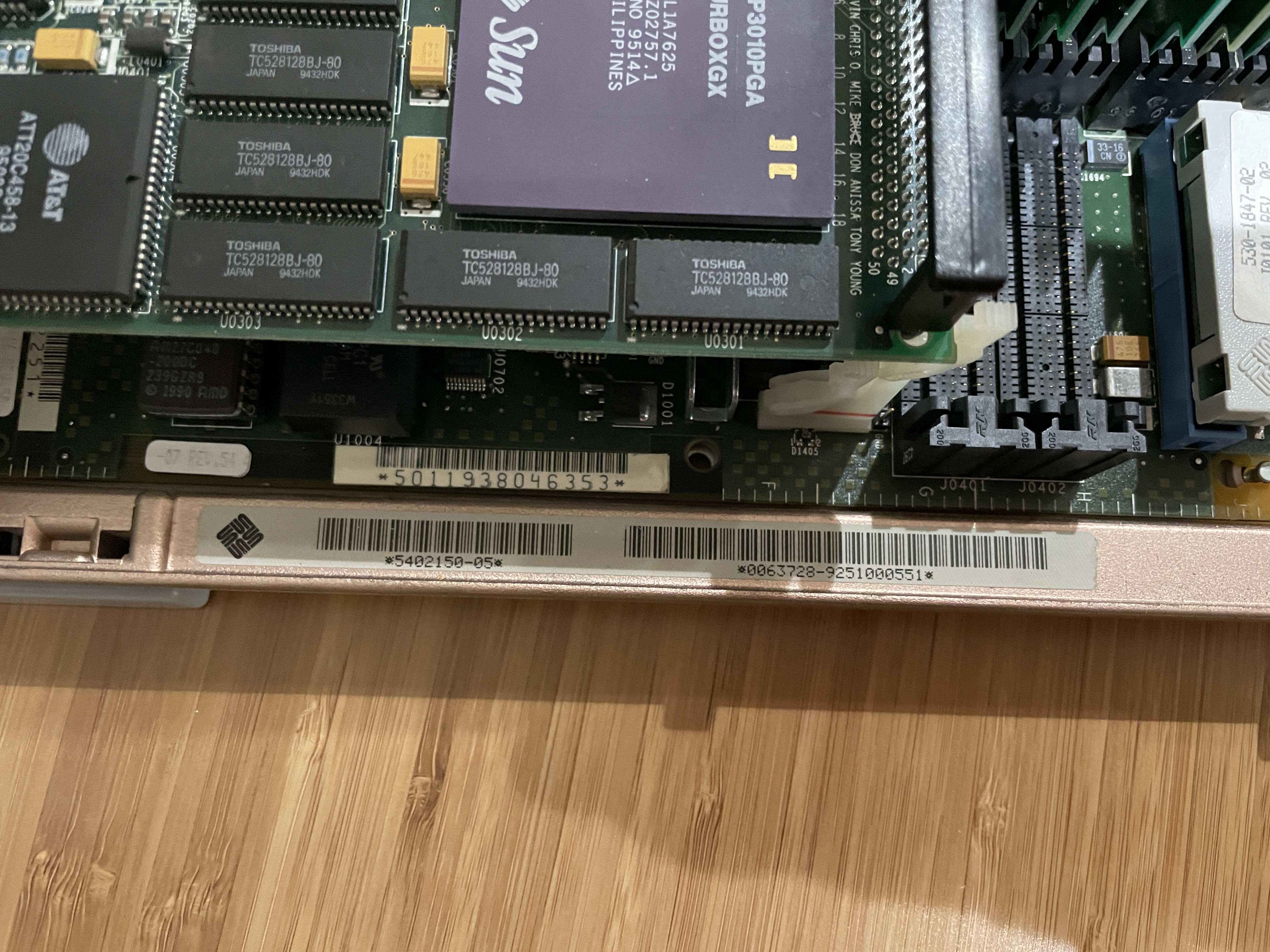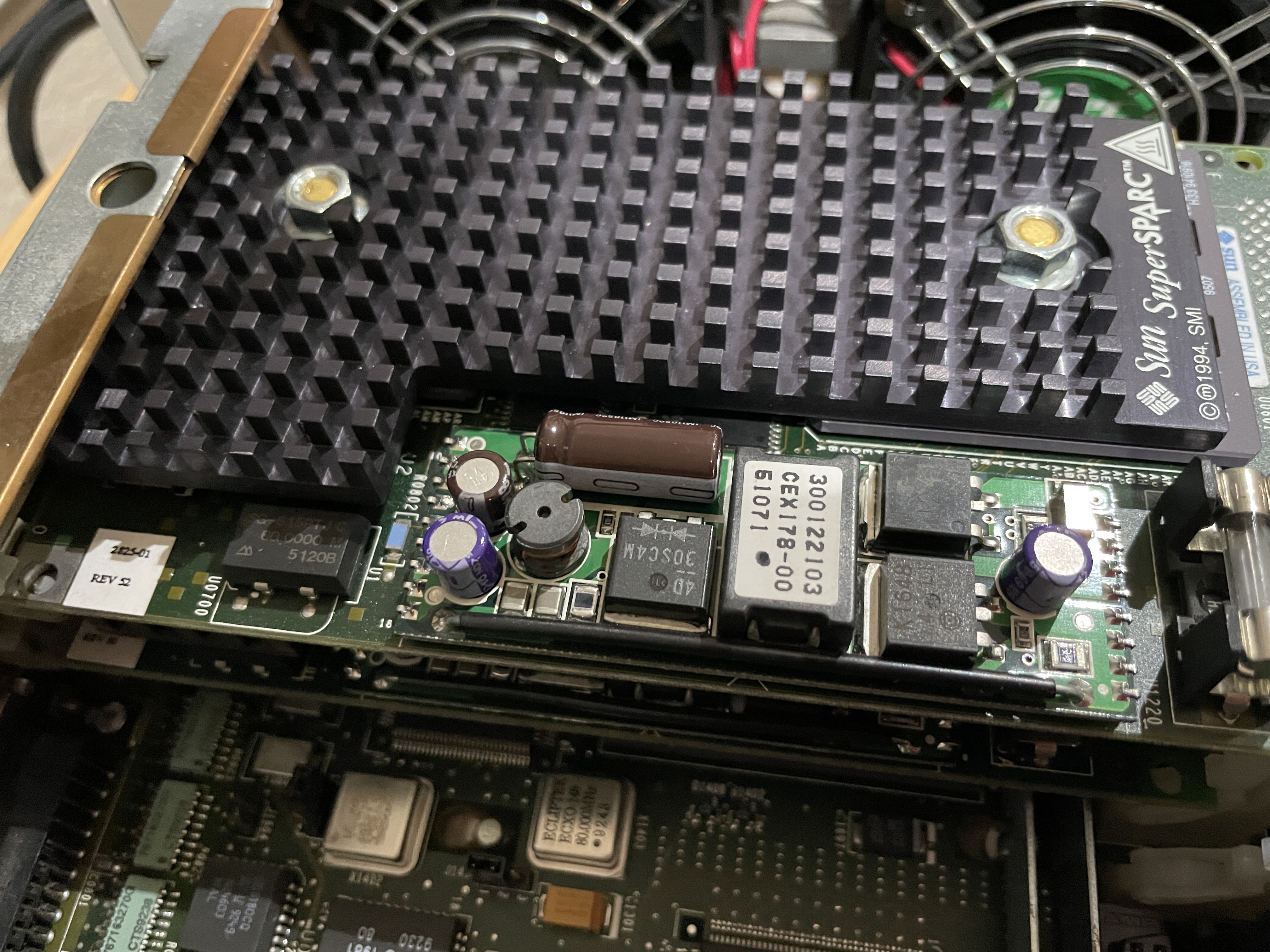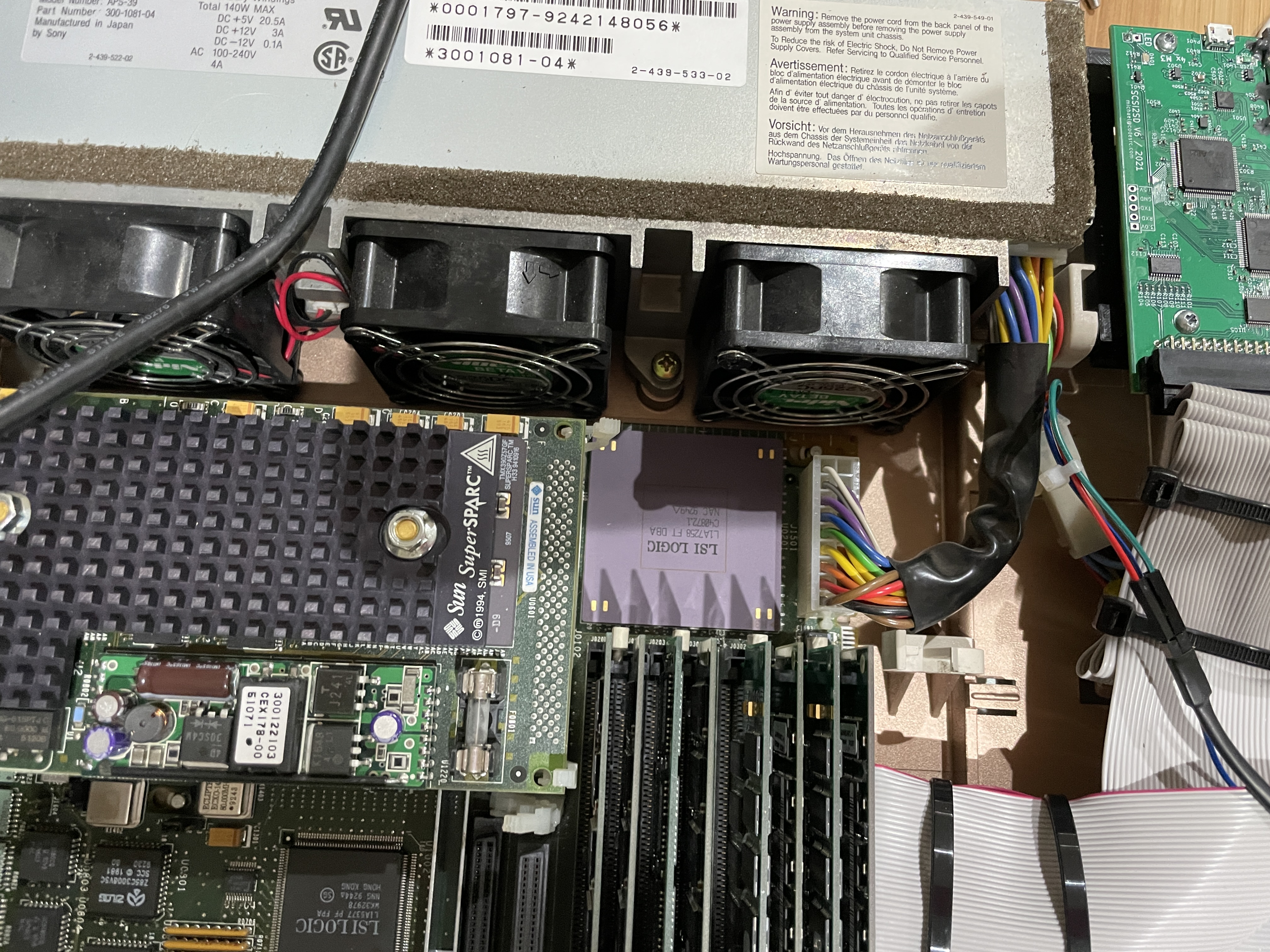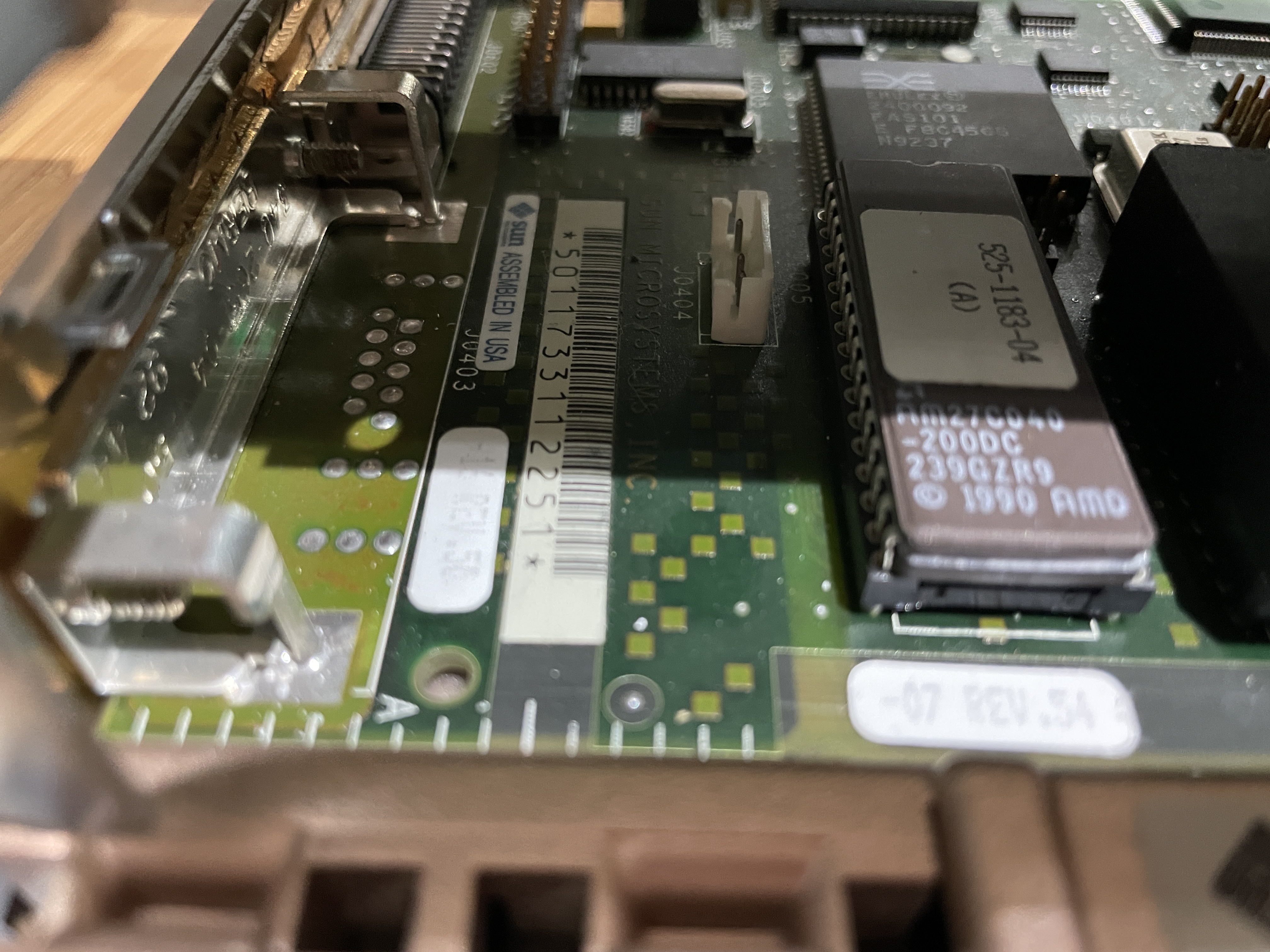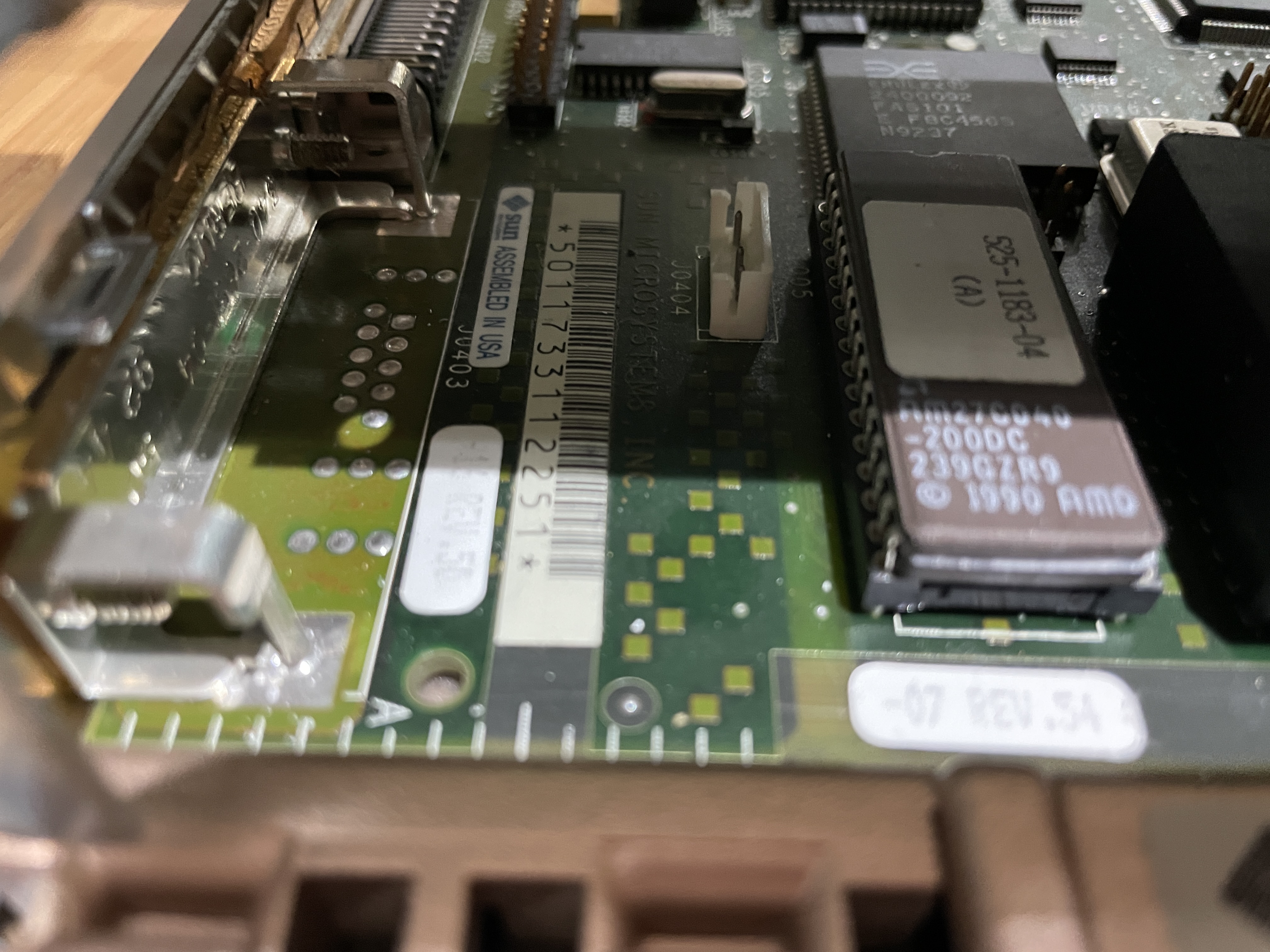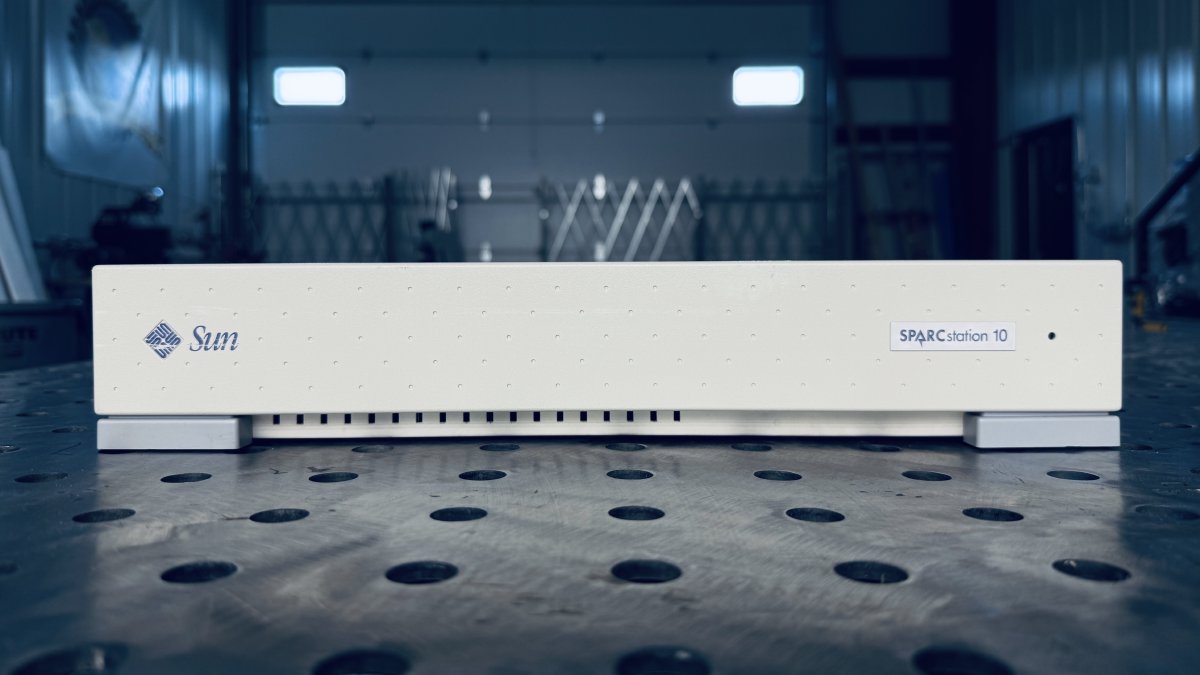
The SPARCstation 10, code-named “Campus-2,” was introduced in May 1992 and represented a major architectural advancement for Sun. It was the first Sun desktop workstation to support multiple processors, allowing up to two CPUs in a single pizza box chassis. This machine marked Sun’s transition from the Sun4c to the more powerful Sun4m architecture.
History
The SPARCstation 10 was a revolutionary machine when it launched. While multiprocessor systems existed in the server space, the SS10 brought symmetric multiprocessing (SMP) to the desktop for the first time in Sun’s product line. This capability made it extremely popular for compute-intensive applications in engineering, scientific computing, and software development.
The machine introduced the MBus, a new processor bus that allowed for modular CPU upgrades. Users could start with a single processor and add a second one later, or upgrade to faster processors as they became available. This flexibility extended the useful life of SS10 systems considerably.
The SuperSPARC processor used in the SS10 was significantly more powerful than the previous generation, offering improved floating-point performance that was essential for scientific and engineering applications. The combination of SMP capability and raw processor performance made the SS10 the workstation of choice for many demanding users.
3D-Printed Parts
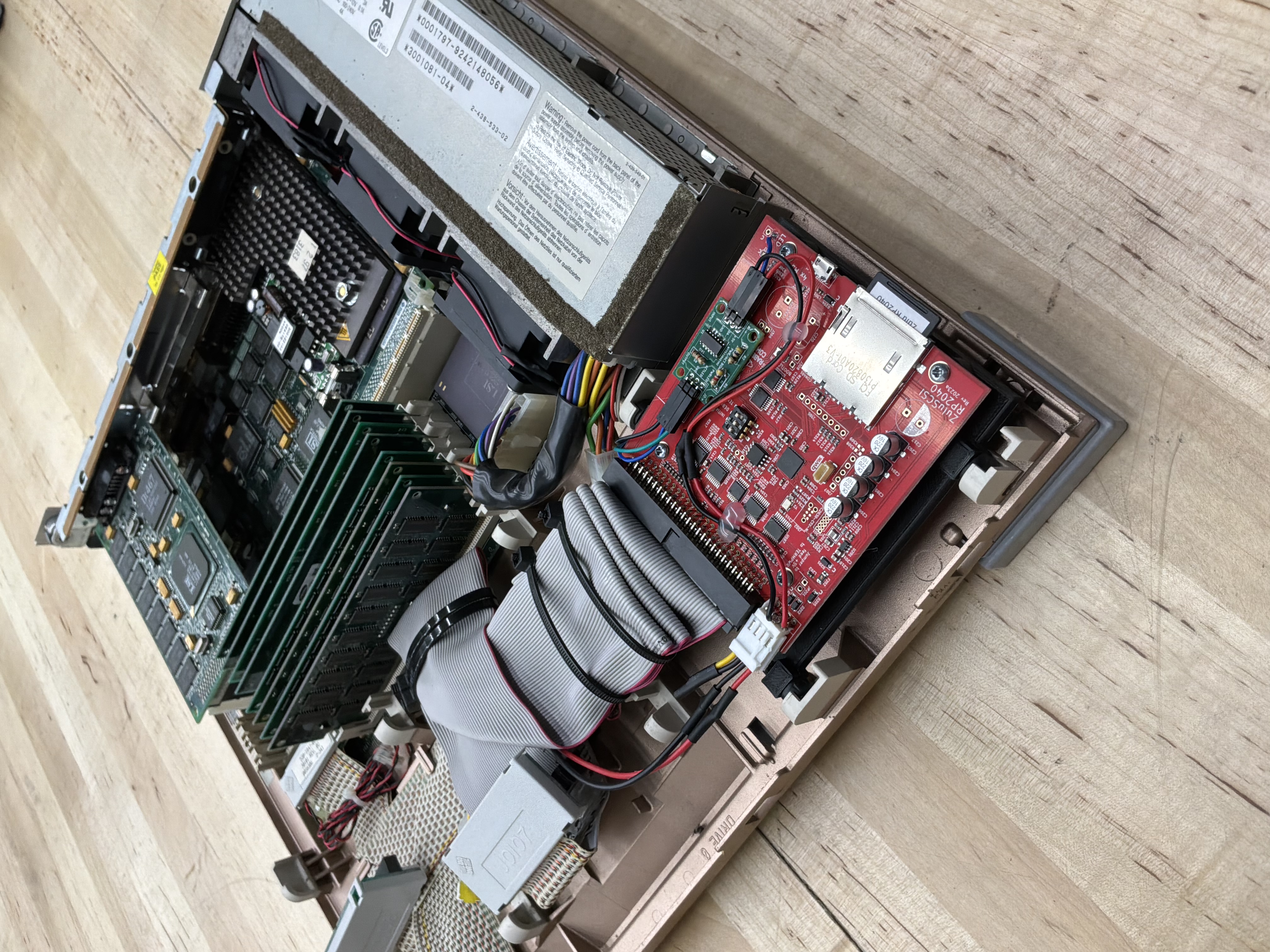
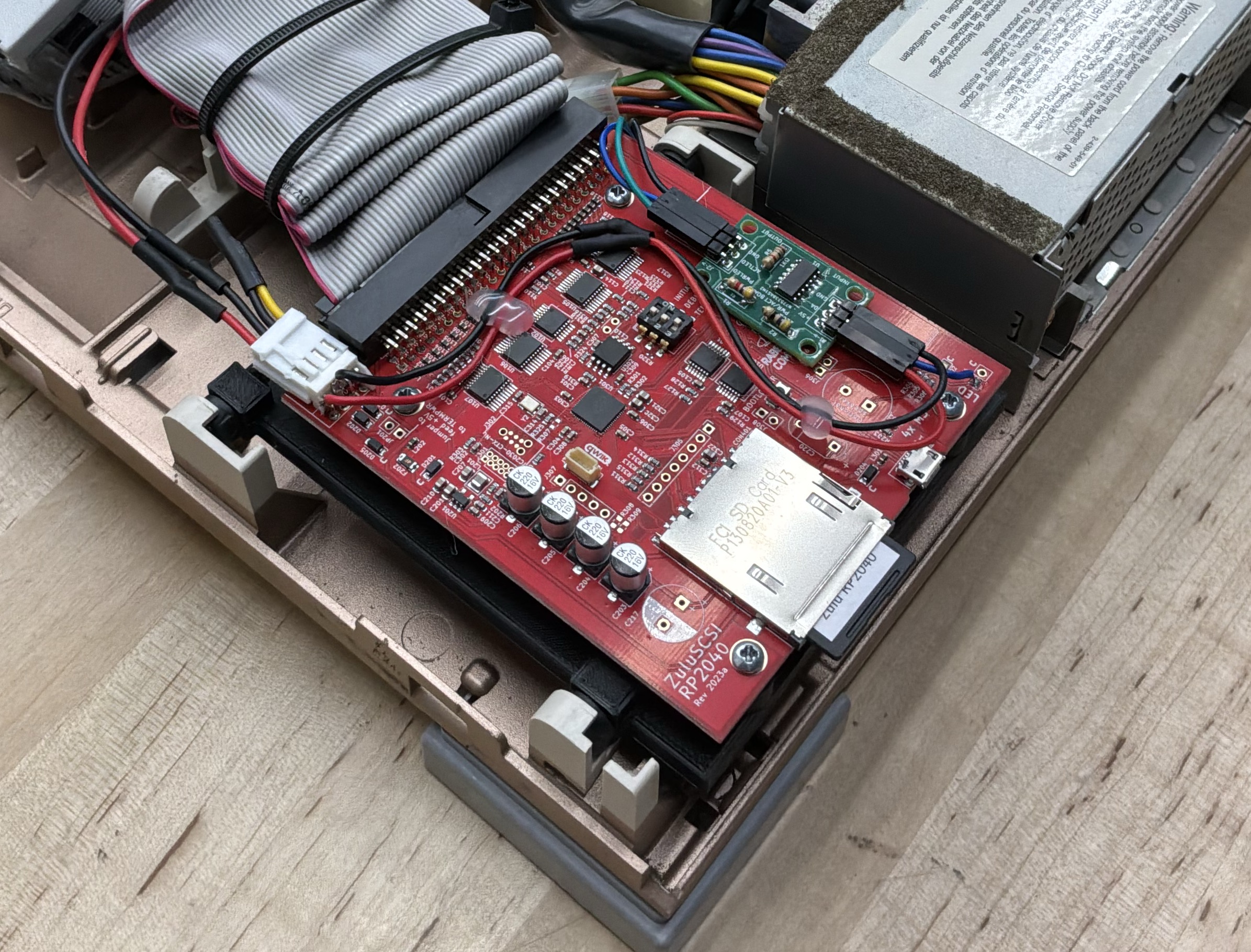
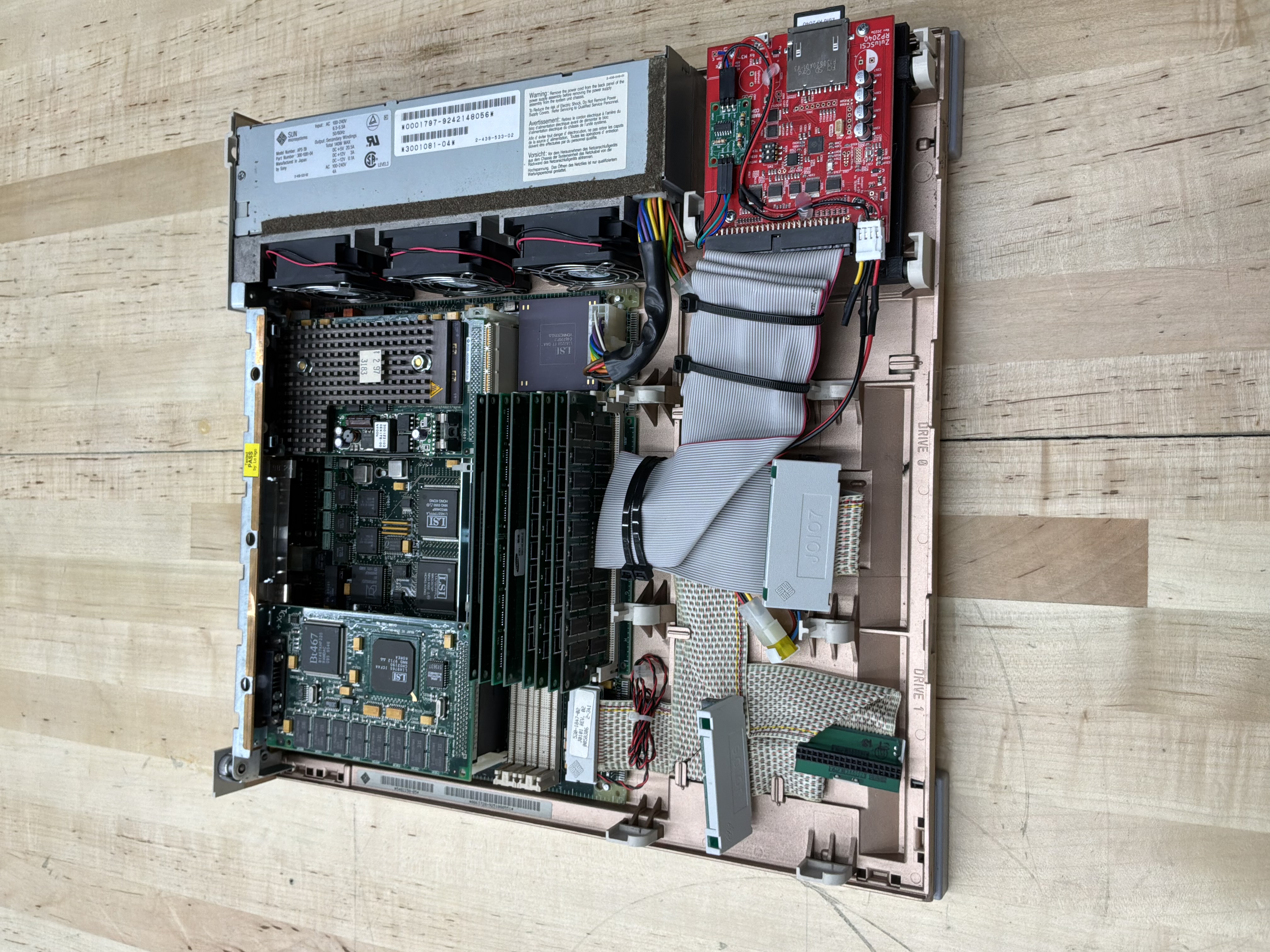
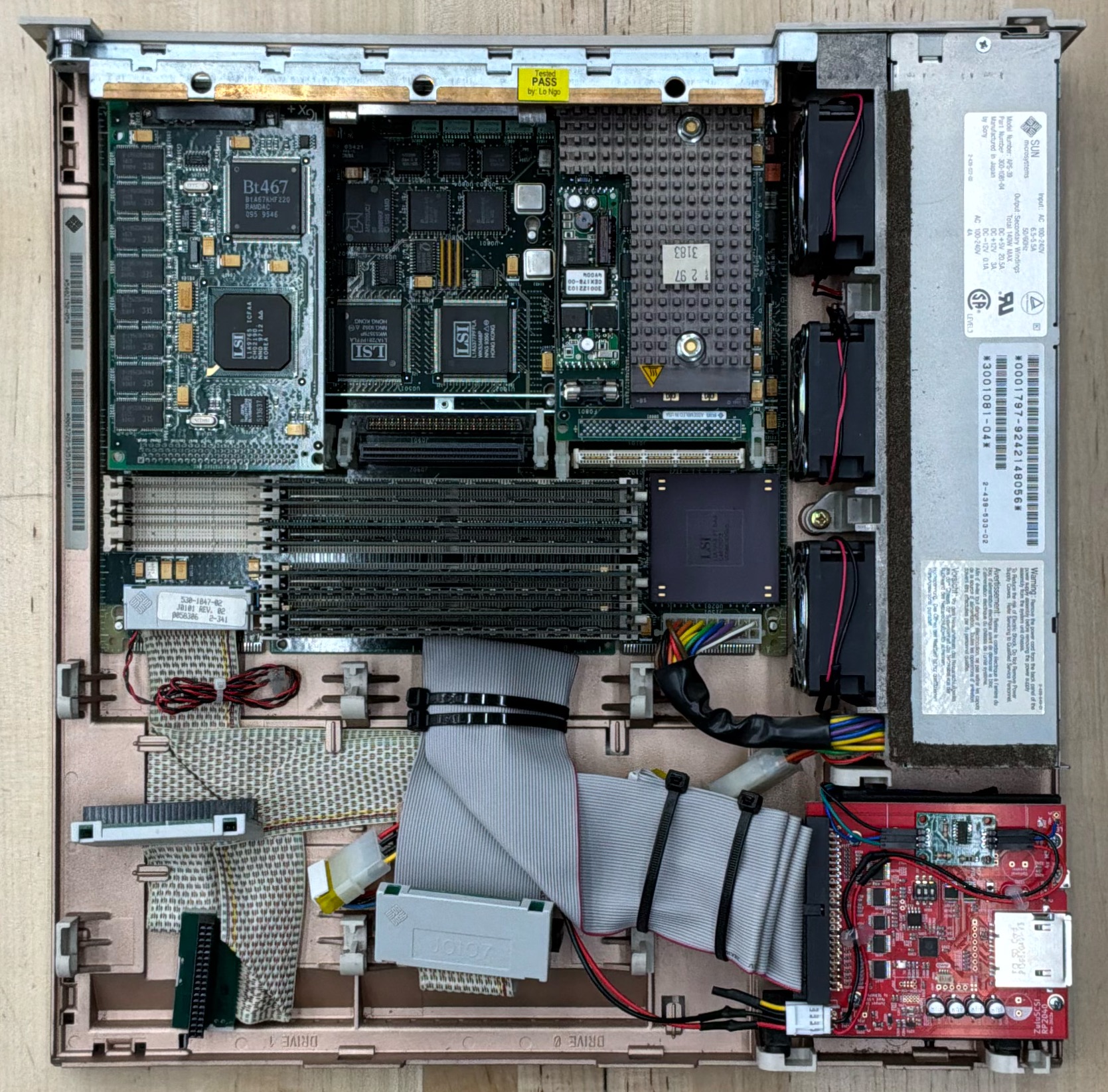
- Floppy Bay ZuluSCSI Mount — Adapts the SS10 floppy bay to hold a ZuluSCSI board. The “SCSI2SD” in the filename is historical — the older SCSI2SD has the same footprint as the ZuluSCSI it eventually replaced.
Specifications
| Attribute | Value |
|---|---|
| Release Date | May 1992 |
| Model | S10 / Code-named Campus-2 / Serial# 6765386 |
| CPU | SuperSPARC (1 x 390Z55) @ 50 MHz |
| Architecture | Sun4m / OBP 2.25 |
| RAM | 512Mb |
| OS | Solaris 2.6 |
| Graphics | SBus: TGX+ 1280x1024@76 |
| Environment | Common Desktop Environment (CDE) |
| Disk Image | 36 GB SCSI / ZuluSCSI RP2040 |
Useful Documents
SPARCstation 10 Reference Manual (PDF) - Comprehensive reference documentation for the SPARCstation 10. Covers system architecture, MBus processor modules, configuration options, and technical specifications.
Compile Time Comparisons - Benchmarking C++ compile times across vintage and modern hardware, including this machine.
cmacs: Cross-Platform Terminal Editor - A portable editor built on the same C++ library used for the compile time benchmarks.
CDE Keyboard Repeat Rate - Fixing the sluggish default keyboard repeat rate in Solaris CDE.
Resetting IDPROM on Sun Workstations - Procedure for reprogramming the IDPROM after a timekeeper chip replacement.
Interactive Sun IDPROM Reset Tool - Pick your model and copy the exact
mkpcommands for theokprompt — fresh MAC address generated automatically.Locked Out: Clearing the Firmware Password - Bypassing a phantom firmware password caused by corrupt NVRAM in the timekeeper chip.
Last OBP Firmware Versions - Reference table of the final OpenBoot PROM versions available for each Sun workstation.
Sun Boot ROM and Firmware Images - Downloadable OBP and firmware images for Sun workstations and servers.
Sun Hardware Reference Guide - Comprehensive reference for Sun workstation hardware specifications and part numbers.
ZuluSCSI Overview - Overview of ZuluSCSI SCSI emulator boards used across the collection.
ZuluSCSI Disk Images - Setup and configuration of ZuluSCSI disk images for vintage workstations.
Disk Image
A bootable Solaris 2.6 disk image is available for this system, configured for use with ZuluSCSI SCSI emulators.
Download: HD3_Solaris_2.6_SS10_PROTO_512.img.gz
SHA1: d35406cdb5c2801592b54808b9e82ca33d404b1e
For setup instructions, see the ZuluSCSI Disk Images overview. For image-specific notes (default accounts, network config, preinstalled compilers and GNU tools), see the Solaris 2.6 Disk Image Notes. Before booting, verify the SHA1 — see Image Security and Checksums.
Gallery